Xpoz is a social data API built for AI agents. It covers X (Twitter), Instagram, TikTok, and Reddit. You reach it through an MCP server, Python and TypeScript SDKs, or a CLI. Plans run on credits. There’s a free tier with 500 one-time credits, then Pro at $20 a month and Max at $200 a month.
It’s a good tool, but it isn’t the right fit for every team. You may need more networks, a different way to pay, or raw scraping power for a hard site.
The best choice depends on two things. What shape is the data you need? And what system has to use it?
A feed of posts from many networks needs something different from a Reddit research job. An X alert stream, a custom scraper, and a maps feature each have their own needs too. A tool that looks cheap per call can still cost more in the end. Messy schemas, odd paging, retries, and extra logins all eat into your team’s time.
So we judged every option the same way:
- Coverage. Which networks and data types does it support?
- Speed. How fast does a call come back?
- Schema. Do results share one shape across sources?
- Pricing. How do you pay, and what limits apply?
- Switching cost. How much code changes when you move off Xpoz?
- Best use. Is it built for listening, live search, or places data?
Prices and limits change often. We checked each vendor’s own site in October 2026, but confirm the numbers before you buy.
Some background helps. Platform data got much harder to reach in 2023. That May, X’s old Academic Access page sent researchers to the paid Basic tier. It cost $100 a month for 10,000 tweets. Enterprise access started at $42,000 a month. At the time, only three platforms ran research access programs: YouTube, Meta (through CrowdTangle), and TikTok. That’s according to a June 2023 post from the University of Bremen’s Platform Governance lab.
That gap is why tools like these exist. We start with API Direct, then move through scrapers, enterprise tools, listening apps, and single-network specialists.
1. API Direct
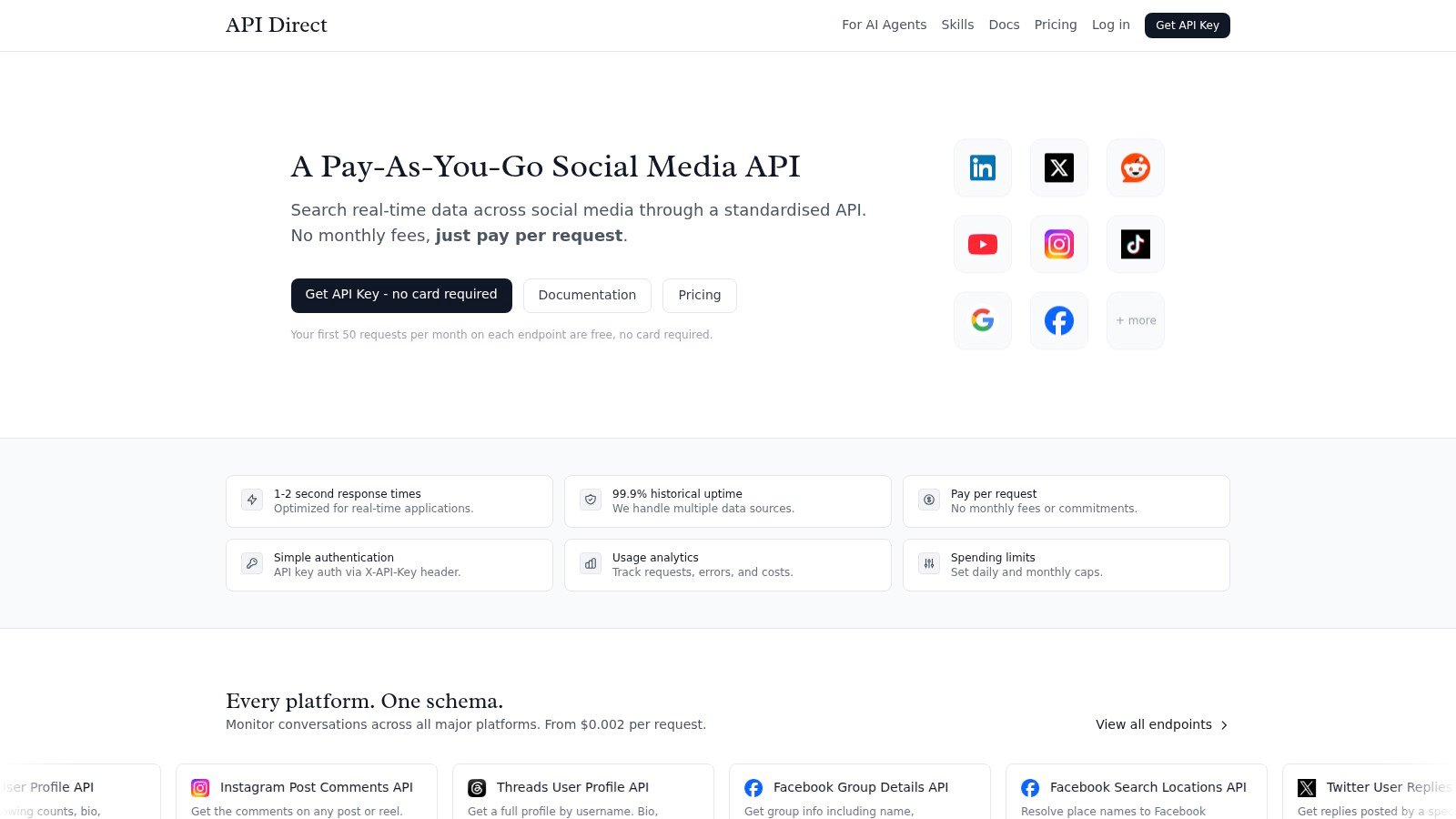
API Direct gives you one API for social, web, places, and shopping data. It covers X (Twitter), LinkedIn, Facebook, Instagram, Threads, Reddit, YouTube, TikTok, Bluesky, and Truth Social. It also covers Amazon, Trustpilot, Google search, news, forums, and Google Maps places. You use the same pattern to pull posts, profiles, comments, reviews, videos, products, and places. You don’t need a new parser for each site.
Most results share the same core fields: title, URL, date, author, source, domain, and snippet. A few sources, such as news and web search, skip some of them. The shared shape doesn’t erase every source quirk. But it cuts the special cases your code has to handle. You sign each call with one API key in the X-API-Key header. Usage stats and daily or monthly spending caps help you track costs and avoid surprise bills.
API Direct says calls usually return in 1 to 2 seconds, with 99.9% historical uptime. Treat those as a starting point, not a promise. Test the endpoints, load, and retry logic your own app needs.
Why one shape pays off
You pay per request, with no monthly fee. Prices run from $0.002 to $0.01 per request, and most endpoints cost $0.003 to $0.008. Each endpoint includes 50 free requests a month (20 for the Places search, review, and photo endpoints). You don’t need a card to start. Since prices vary by endpoint, model your real request mix before you set a budget.
Batch requests cost nothing extra. Each item bills at its normal rate, which keeps backfills simple. Each user can run 10 requests at once per endpoint. Busy systems may need a queue and retry logic. That cap matters more for live search than for a nightly listening job.
Rule of thumb: Pick API Direct when a small, simple setup matters more than owning your own scrapers.
API Direct also runs as an MCP server. It has setup guides for Claude Code, Claude Desktop, ChatGPT, Cursor, and OpenClaw. It works with n8n, Activepieces, and Airbyte too. If your team already runs AI agents, that can make the move from Xpoz quick. See the Claude Code setup guide for an example.
Best fit: one feed across many networks, live monitoring, AI agents, steady production traffic, and apps that need Google Maps or Amazon data.
Trade-off: you get one shape and firm spend caps, but prices vary by endpoint and there’s a cap on calls at once. For very large jobs, compare total cost, queue work, and setup effort against a dataset vendor or a custom scraper.
Visit API Direct to get a free API key.
2. Apify
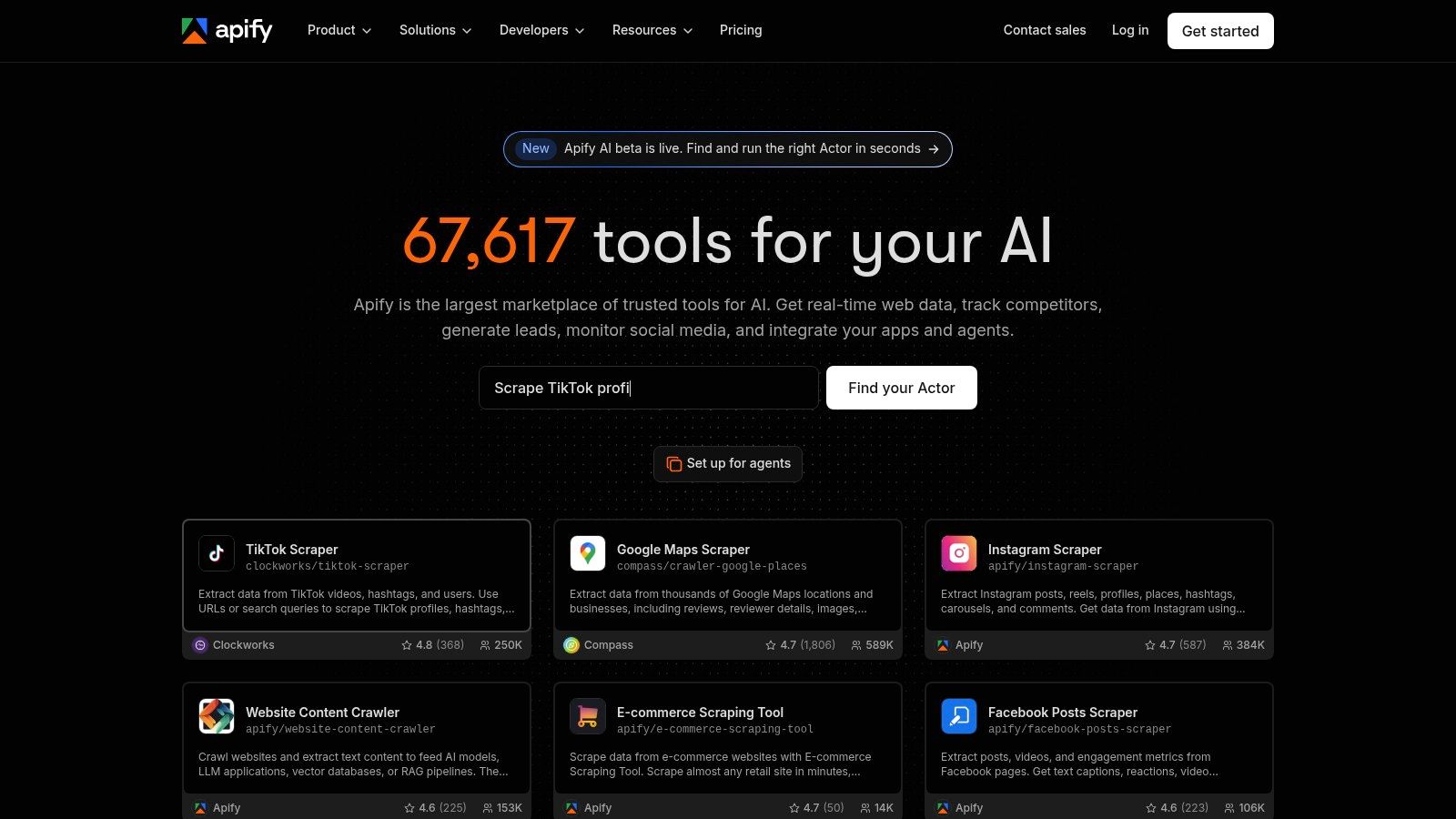
Apify is a better pick when you want to find a ready-made scraper fast. It’s less useful if you need one data shape from day one. Its store lists more than 80,000 prebuilt tools, called Actors. You can also run your own scrapers on its cloud, with scheduling, monitoring, webhooks, and dataset exports.
That gives you breadth through a catalog, not through one tight API. You can test Actors for X, Instagram, TikTok, YouTube, Reddit, LinkedIn, Facebook, or Google Maps. Then you can export the results as JSON, CSV, Excel, or XML. The speed of that first test is Apify’s main edge. You’re buying a runtime and an ecosystem, not just an endpoint.
The schema cost shows up later
Actor billing can look cheap. Many Actors charge per result or per event, and you can set a usage limit. The free plan includes $5 of credit each month, with no card needed. Paid plans start at $19 a month.
But each Actor has its own inputs, output shape, paging, proxy needs, and upkeep history. Quality varies, since many Actors come from the community. Check ratings, recent updates, sample output, and failure modes before you rely on one in production.
Speed depends on the Actor, the target site, the queue, proxies, and page rendering. So Apify is a weaker fit than a live API when your product needs fast, steady lookups. It does better at scheduled jobs, enrichment, and work where an export beats an instant reply.
Best fit: fast tests across many networks, scheduled scraping, custom scrapers, and teams happy to clean up data themselves.
Trade-off: moving off Xpoz may be easy at the request level but hard at the data level. You’ll likely need your own schema, an adapter per Actor, result checks, and budget alerts.
Don’t compare one Actor’s price per result with a unified API’s price per call. First, decide what counts as a useful record.
Explore Apify to browse its Actor store.
3. Bright Data Social Media Scraper API and Datasets
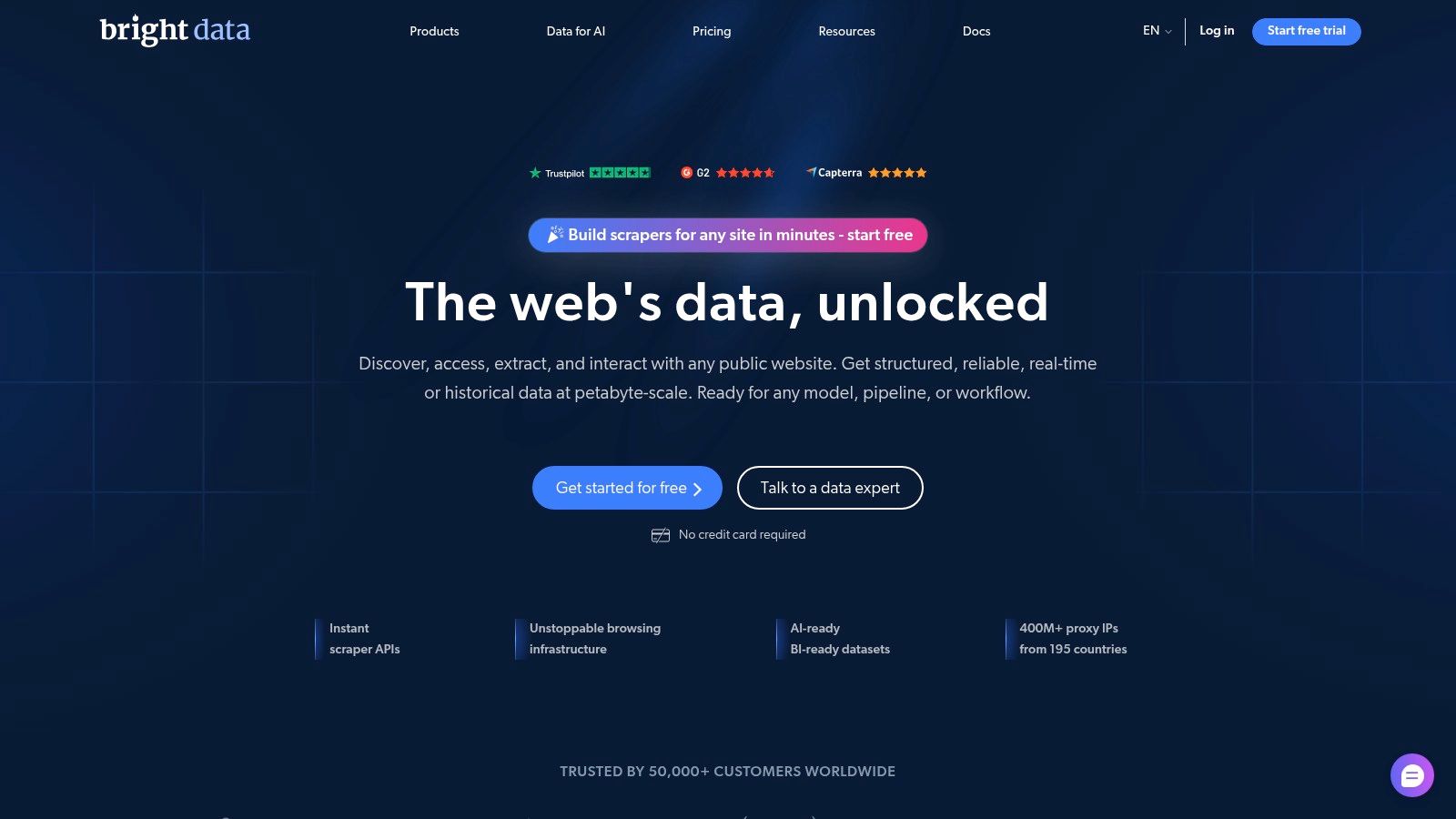
Bright Data serves a different buyer than a light API user. Its Social Media Scraper API and dataset store suit teams that need managed collection at large scale. The API covers Instagram, TikTok, YouTube, Facebook, and X. It also covers LinkedIn, Reddit, Pinterest, and Quora. The store sells 32 ready-made social datasets.
Buying a dataset can save a lot of time. You skip building crawl jobs, storing raw pages, and writing refresh logic. You can buy a dataset once or get it refreshed monthly, quarterly, or twice a year. That suits history research and repeat reports. The trade-off is less control over how and when the vendor collects the data.
Scale only helps when the data contract is clear
Bright Data runs a proxy network of more than 400 million IPs. It also offers compliance resources that many small teams don’t want to build. That helps with hard or dynamic sites. But it doesn’t hand you one shared schema across every source. Before you sign, confirm field names, record detail, dedupe rules, history depth, refresh timing, file format, and error handling.
Pricing is easy to start with. The Scraper API bills per record delivered. The price includes proxies, unblocking, and parsing, and failed requests are free. You get 5,000 free records a month without a card. After that, pay-as-you-go costs $1.50 per 1,000 records. Datasets start at $250 for 100,000 records. Only the Enterprise plan needs a sales call.
To move off Xpoz, map each platform’s fields into your own model first. Then check that Bright Data’s records hold the author, time, engagement, comment, and source data your app expects. If you’re building a listening product, also check whether you get raw records, sentiment, or both.
Best fit: large-scale collection, refreshed datasets, high-volume jobs, strict governance, and teams that want managed scraping.
Trade-off: data modeling takes more work. Bright Data isn’t a drop-in swap for a unified API, especially if your app expects the same request and response shape every time.
To see how social scraping fits into an app, read this guide to web scraping social media.
Explore Bright Data to see its social scrapers.
4. Zyte API
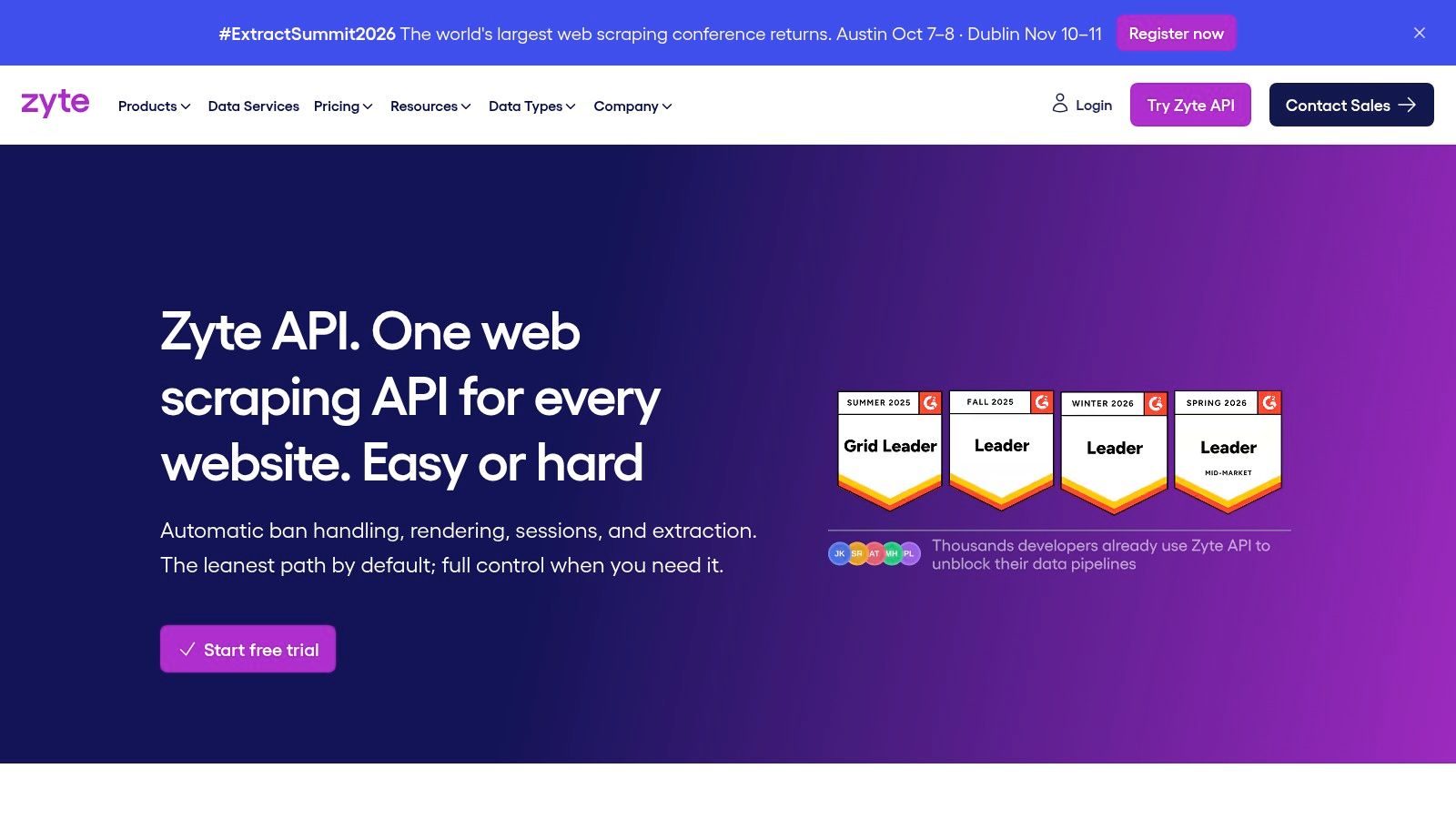
Zyte API makes sense when the target isn’t really a social API at all. It’s a hosted scraping layer. It handles bans and blocks for you, renders pages in a browser, and can pull out data with AI. That makes it useful for mixed websites where your team wants to control the rules, fields, and paging.
So the response schema is your job. That’s a plus for custom targets and a cost for social data across many networks. A move from Xpoz to Zyte keeps the basic idea of “send a request, get data back.” It won’t give you a shared social data model without extra work.
Custom control or ready-made data?
Zyte’s browser rendering can load JavaScript-heavy pages that a plain HTTP call can’t read. Its ban handling also cuts the work of dealing with blocks. Still, no vendor removes the need to review a site’s terms, privacy rules, and allowed use.
Zyte charges per 1,000 successful responses. The price depends on how hard the site is, across five tiers. Pay-as-you-go runs from $0.13 to $1.27 per 1,000 plain HTTP responses. Browser-rendered responses cost $1.01 to $16.08 per 1,000. Monthly commitments lower those rates, and new accounts get $5 in free credit. So don’t compare page requests directly with post or profile requests.
Speed varies with rendering, retries, and how complex the site is. A live search product should measure response times under real load, not trust one good test. A scheduled research job can live with slower pages if Zyte returns the fields your analysts need.
Best fit: custom web scraping, hard JavaScript sites, and teams that want control over schemas and rules.
Trade-off: you’ll build paging, cleanup, field extraction, dedupe, and per-site error handling. Zyte is a scraping base, not a ready-made social data contract.
Its docs can make setup easier. But your most important migration step is your own target schema. Define the fields you need before you write extraction rules. Otherwise, your first test may work while your reports break each time a site changes its layout.
Explore Zyte API to see its price tiers.
5. Brandwatch Consumer Research API
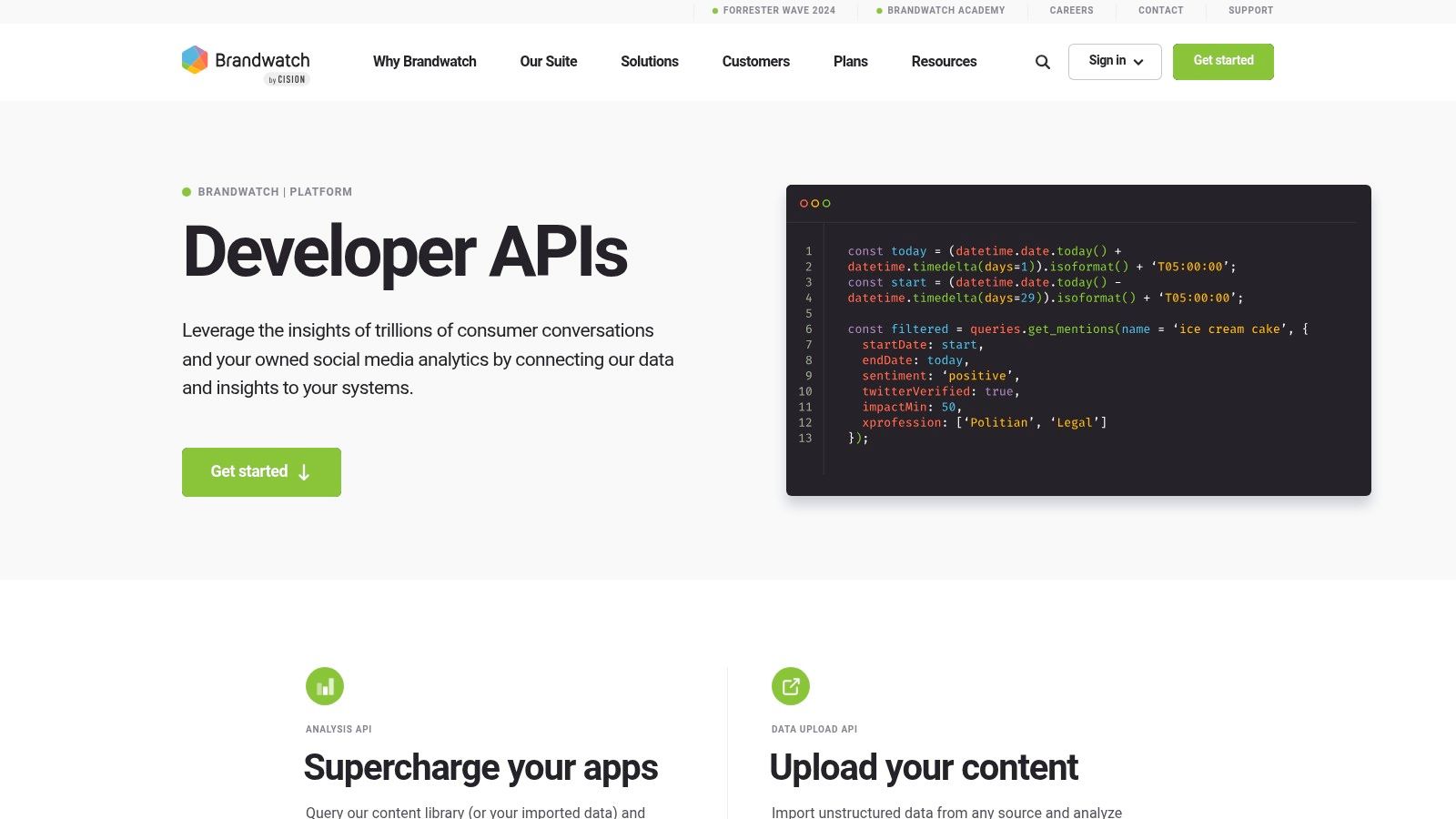
Brandwatch serves teams that want enterprise social insight, not raw scraping tools. It’s now part of Cision. Its Consumer Research API exports mentions, sentiment, categories, and other data. Brandwatch also has a large archive that goes back to 2010. You get query tools, user permissions, support, and API docs too.
That changes the switching question. If you’re replacing Xpoz with Brandwatch, don’t just ask whether it returns posts. Ask what your product relies on. Is it raw fields, labels like sentiment, saved queries, or a controlled research process? Brandwatch fits best when analysts and PR teams need a managed archive with access controls.
Deep history can matter more than flexible calls
A listening suite can beat a pay-per-call API when the main job is tracking brands over time. Think long-term trends, sentiment, and analyst reports. It may be too much for a developer who needs a few fresh records inside an app. Pricing is by quote, and API access is usually part of an enterprise contract. So switching also means a sales and legal review, not just code changes.
Judge speed at the query and export level. Live dashboards, big exports, and repeat research jobs can behave very differently. Check query limits, export rules, and how long data is kept. Also check whether the API returns the same analysis you see in the app.
Best fit: enterprise listening and historical research. It also suits PR teams and regulated teams that need support and strict permissions.
Trade-off: you get less self-serve freedom and less cost control than with a simple request API. Brandwatch also isn’t the obvious pick for places data or app features that need fast, direct lookups.
Want to compare listening suites with tools built for developers? Read this guide to social media monitoring APIs. Then confirm current access and terms with Brandwatch.
Explore Brandwatch APIs to book a demo.
6. Awario
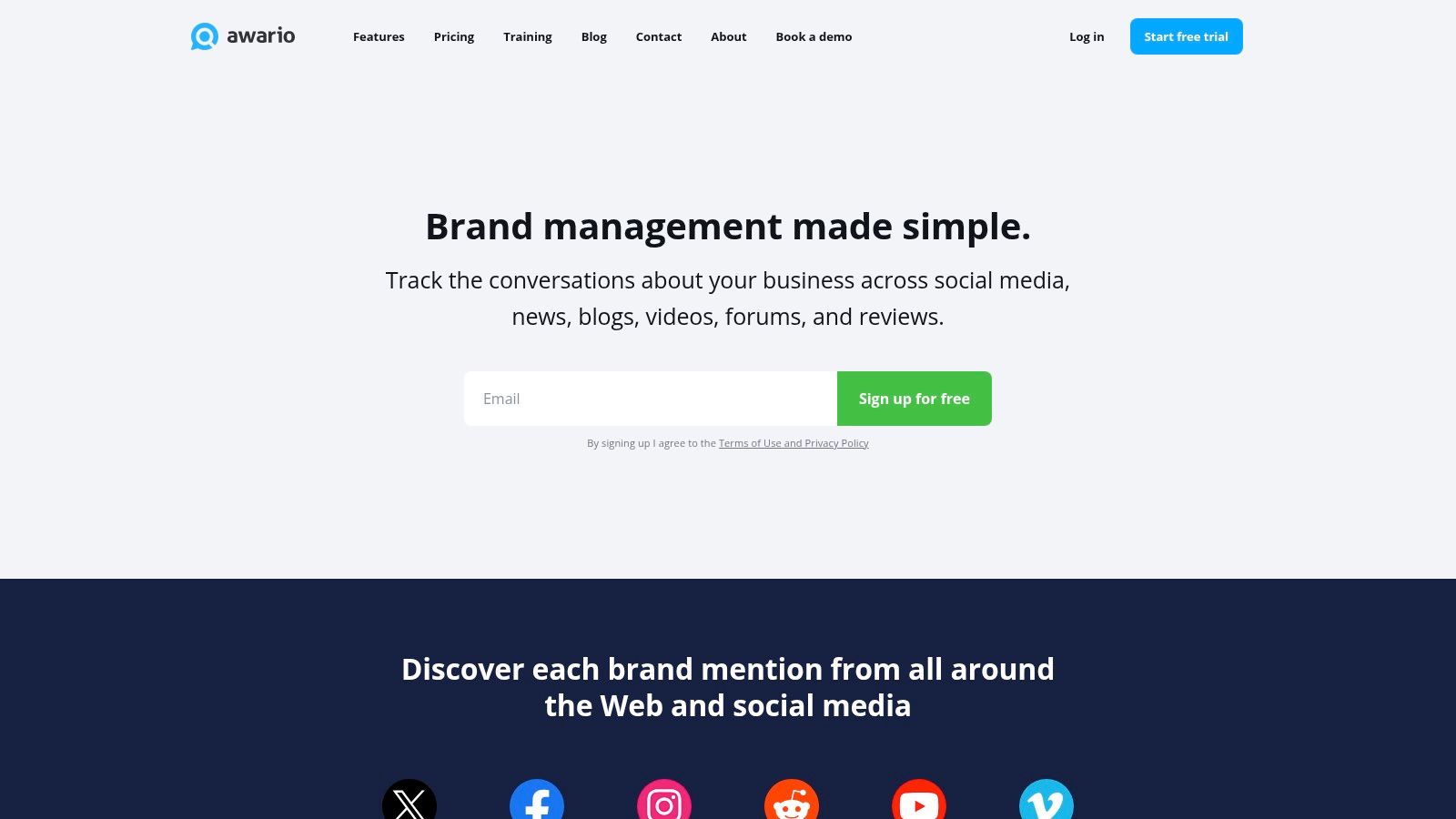
Awario suits teams that want a listening dashboard first and an API second. It tracks keywords and topics across X, Facebook, Instagram, Reddit, and YouTube. It also tracks Vimeo, blogs, forums, news, and the wider web. On top of that, it adds sentiment, alerts, reports, and basic stats. For marketers and small agencies, that’s much faster than building the whole stack from scratch.
The API can automate exports and cut down on manual CSV work. But there are two catches. The API is only on the Enterprise plan, which costs $399 a month, or $249 a month billed yearly. And Awario’s API doesn’t return Twitter data. Lower plans start at $49 a month and include CSV export.
Awario isn’t built for per-endpoint billing or one schema across many networks. Switching is easy if your workflow is “track terms, review mentions, send reports.” It’s harder if your app needs fine control over paging, raw comments, or retries. The same goes for a stable data model across networks.
A dashboard changes what you pay for
Awario’s value comes from hands-off monitoring and ease of use. A team can set up topics, check sentiment, get alerts, and send reports without building every piece. That helps with competitor tracking and client reports, where the dashboard matters as much as the API.
Think of speed as how fresh alerts are and how fast exports run, not as a set lookup time. Confirm source coverage, mention limits, data retention, and rate limits for your plan. Then add the Enterprise fee to your budget.
Best fit: small business monitoring, competitor tracking, and agency reports. It suits teams that want a dashboard with some automation.
Trade-off: Awario is a weak fit for live app search, places data, or X data through the API. It’s also a weak fit when every record must follow one schema. It can save analyst time, but it ties you more closely to the vendor’s monitoring model.
This guide to social listening APIs compares a dashboard-first approach with a direct data feed.
Explore the Awario API to see what Enterprise includes.
7. PhantomBuster
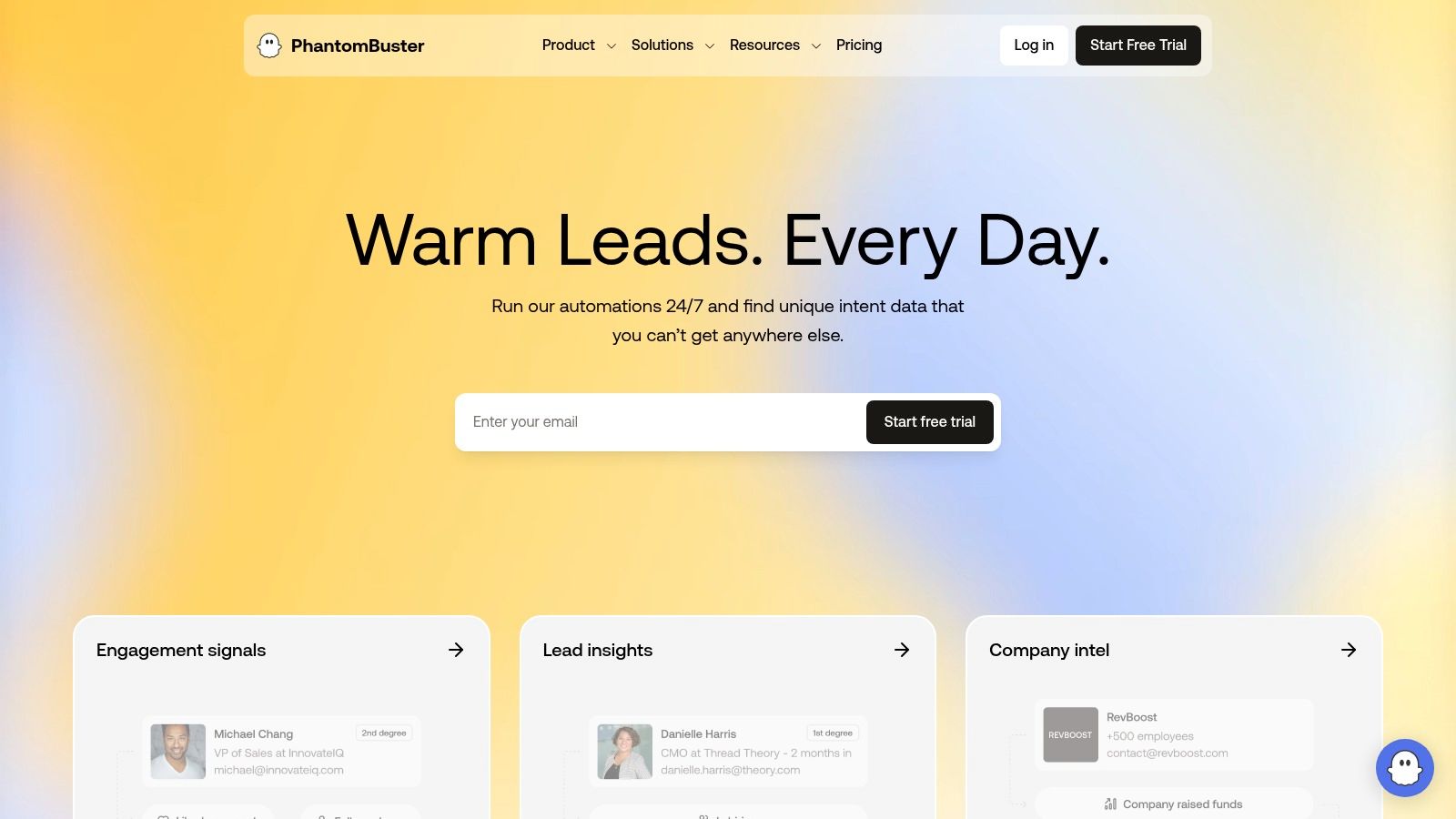
PhantomBuster is an automation tool, not a general social search API. Its automations, called Phantoms, work with LinkedIn, X, Instagram, Facebook, Reddit, and YouTube. Some also cover Google Maps and more. An API lets you launch jobs and fetch their output as JSON. That makes it useful for growth, lead generation, and tasks that need a logged-in account.
Its main strength is running workflows with many steps. Teams can chain steps to collect, filter, enrich, and export data without writing each one. Scheduling and team features suit repeat jobs better than live queries.
Automation isn’t the same as a data API
PhantomBuster lists more than 130 automations. Check its automation library to confirm how each one works today. The free plan and trial cap exports at 10 rows. Paid plans remove that cap and bill by run time, starting at $69 a month for 20 hours. So your cost depends on how long your jobs run, not just on API calls.
Coverage is broad enough for growth work across networks. But the output isn’t the same across them. LinkedIn profiles, X posts, and Instagram records may each need their own mapping before they land in one database or lead list. Before you switch, review account safety, login handling, and platform rules. Also weigh the gap between public data and actions taken while logged in.
Response time depends on scheduling and job runs. So PhantomBuster fits lead collection and enrichment that run in the background. It’s a poor fit for live search or a listening feed that needs steady response times. It’s also a weak fit for places data unless you confirm a specific workflow.
Test pricing and limits with real jobs. Frequent, high-volume runs can get costly or hard to manage. Each Phantom has its own inputs, outputs, limits, and failure modes.
Best fit: growth automation, lead generation, and logged-in workflows. It also suits teams that want no-code or low-code jobs.
Trade-off: PhantomBuster saves you from building workers. But you’ll do more work on schema mapping, job monitoring, retries, and platform quirks. Use it when running workflows matters more than one stable data contract.
Explore PhantomBuster to try its free plan.
8. SocialData
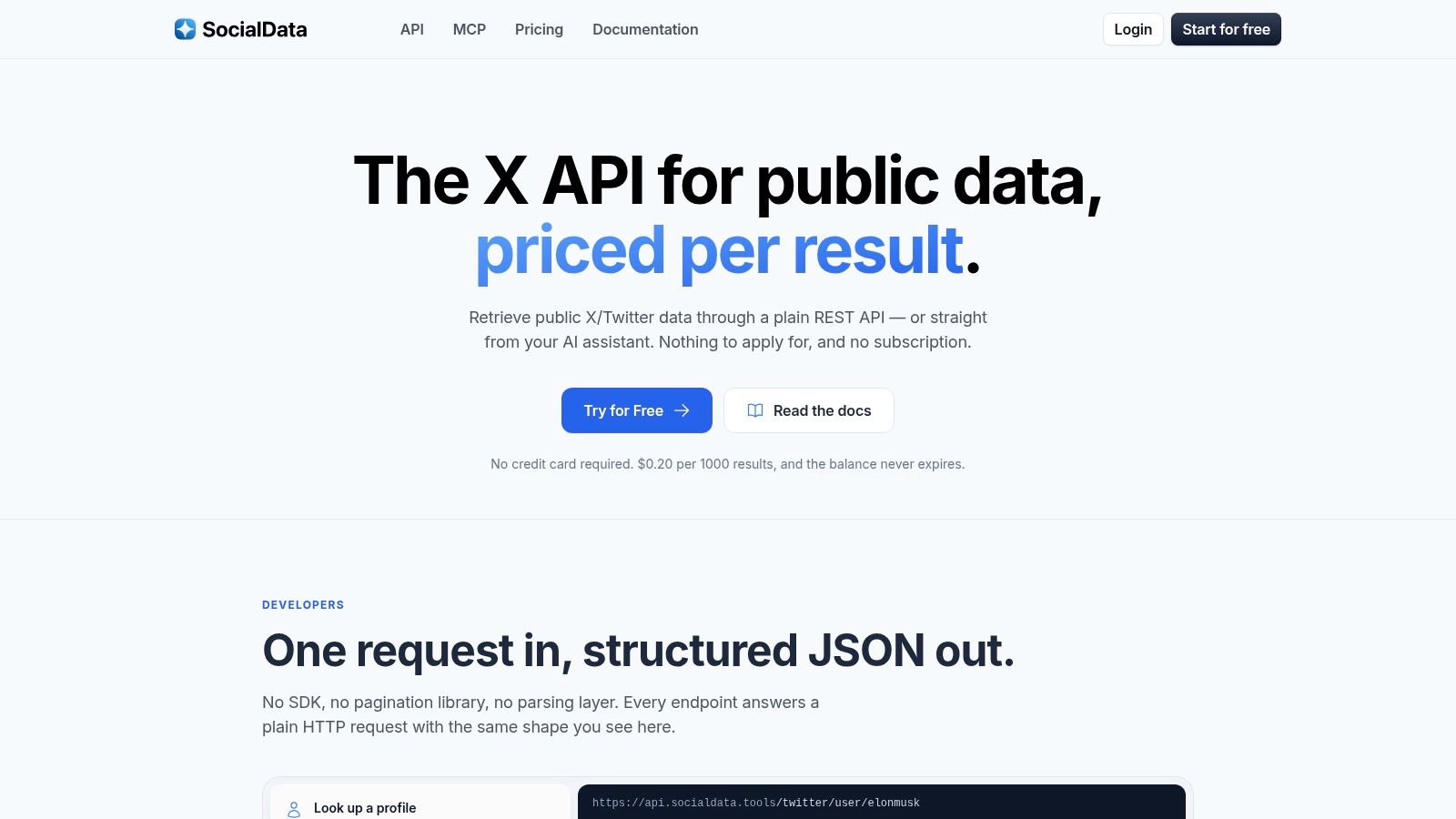
SocialData is the specialist pick for teams that mostly need public X (Twitter) data and monitoring. It offers endpoints for search, users, and tweets. It also has monitors that push new matches to your webhooks. That narrow focus can be an advantage. There are fewer layers to learn, simpler setup choices, and a webhook model built around an X feed.
Pricing is per item. Each tweet or profile costs $0.0002, or $0.20 per 1,000. Failed or empty requests are free, and prepaid balance never expires. There’s no free plan. Account monitors cost a flat rate of about $4.99 a month each at low volume. Search monitors bill per run instead. Still, compare the cost of useful records, not raw requests.
A specialist can beat a broad platform
SocialData isn’t a data layer for many networks. It doesn’t cover Instagram, TikTok, Reddit, places, or shopping data. A broader product would need another vendor and another adapter. That makes it great for an X-only service and less so for a roadmap that will grow across networks.
Webhook monitors can cut polling and simplify live pipelines. Note that the Monitoring API is in limited release, so you have to request access. Test delivery retries, duplicate events, ordering, deleted posts, rate limits, and backfills. The default rate limit is 120 requests a minute, and you can ask for more.
Best fit: X monitoring, public post search, webhook alerts, and apps where X is the main source.
Trade-off: narrow coverage and possible cost pressure at very high volume. If X is one signal among many, this tool may make your first build easier but leave you with more vendors later.
Explore SocialData to read its API docs.
9. Oxylabs Web Scraper API
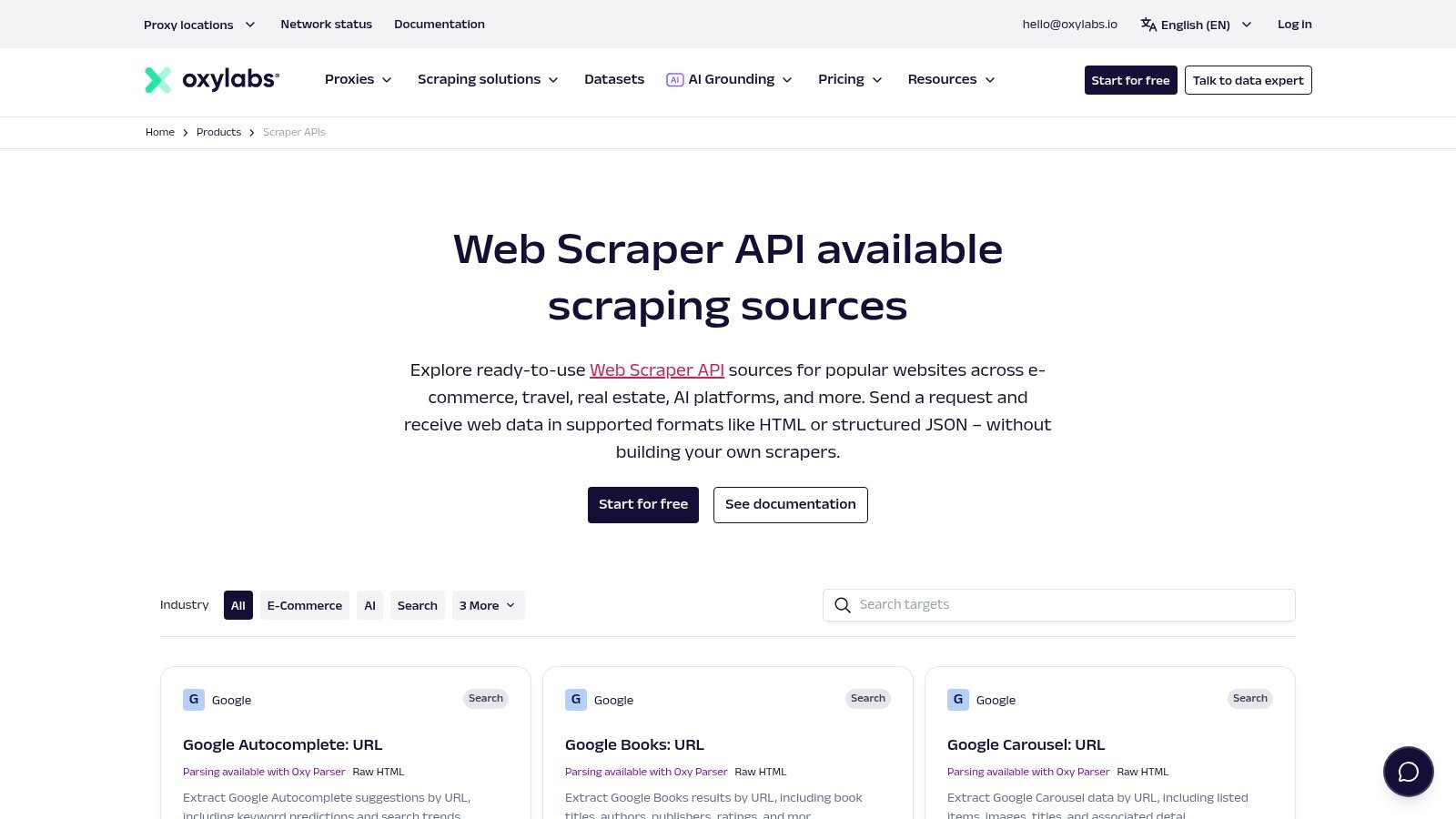
Oxylabs Web Scraper API is for teams that need a managed way past blocks on dynamic or protected websites. It renders pages in a headless browser, retries failed calls, and can target more than 195 countries. You also get usage dashboards, spending limits, and enterprise support. It has dedicated sources for YouTube and TikTok Shop. Other social sites, like Instagram, go through its general-purpose source.
The tool has few opinions about social data. You’ll likely get results that still need parsing, cleanup, and checks. That works when your target is a changing website and your team wants access tools. It means more switching work if your app expects ready-made post, profile, review, or video objects.
Define a result before you compare costs
Oxylabs charges only for successful results. The free trial covers up to 2,000 results with no card. Self-serve plans start at $49 a month, and Enterprise pricing is custom.
“Pay per result” sounds clear until your team defines a result. Is it a page, a parsed record, or a response that holds the item you want? That choice changes your cost per useful record, retry costs, and budget alerts. Test failed, partial, empty, and duplicate responses.
Speed also depends on rendering, location, retries, and how well the site is protected. When you monitor, check how fresh results are and how often they repeat. For backfills, measure how much data moves per hour and how well jobs recover from errors. The large proxy network and support team can lighten your load. But they don’t replace a data quality contract.
Best fit: protected dynamic sites, managed browser scraping, and data from specific countries. It also suits teams that need enterprise support.
Trade-off: schema cleanup stays your job, and the biggest volumes need a custom plan. Oxylabs is closer to a scraping toolkit than a ready-made social data index.
Explore Oxylabs to start a free trial.
10. Scrape Creators
Scrape Creators is a pay-as-you-go social scraping API. It’s close to Xpoz in spirit but covers far more networks. It pulls public profiles, posts, videos, comments, and ad library data from more than 20 platforms. These include TikTok, Instagram, YouTube, X, Facebook, Reddit, LinkedIn, Threads, Bluesky, and Pinterest. You sign each call with one key in an x-api-key header.
Pricing uses credits. One credit equals one request for most endpoints, and credits never expire. You start with 100 free credits and no card. The site says you can claim up to 7,000 more. A $47 pack buys 25,000 credits, or about $1.88 per 1,000 requests. Cached results cost nothing.
Built for agents, not for one shared schema
Scrape Creators ships an MCP server, a CLI, and a Claude Code skill. That makes it easy to drop into the same AI agent stacks that Xpoz targets. It also sets no rate limits or account-level cap on requests at once. It does suggest staying under 500 at a time.
Each network keeps its own response shape, though. A TikTok video, a Reddit post, and a LinkedIn profile come back with different fields. So you’ll still map them into your own schema if you mix sources. The vendor reports a 98.2% success rate and an average response time of 3.12 seconds. Measure both on your own queries before you commit.
Best fit: creator and influencer research, ad library data, agent workflows, and teams that want wide coverage on a prepaid budget.
Trade-off: you get breadth and simple credits, but not one shared schema or Google Maps places data. If your app needs consistent fields across sources, you’ll write that mapping layer yourself.
Explore Scrape Creators to claim your free credits.
Xpoz Alternatives, Top 10 Comparison
| Tool | Best for | Pricing model | Watch out for |
|---|---|---|---|
| API Direct (recommended) | One schema for social, search, places, and Amazon data. | Pay per request, from $0.002 to $0.01. 50 free calls per endpoint each month. | Prices vary by endpoint. Up to 10 calls at once per endpoint. |
| Apify | Fast tests with 80,000+ ready-made Actors. | Free plan with $5 of monthly credit. Paid plans from $19 a month. | Each Actor has its own output and quality. |
| Bright Data | Large-scale scraping and ready-made datasets. | 5,000 free records a month, then $1.50 per 1,000. | You map each source’s fields yourself. |
| Zyte API | Custom scrapers for hard JavaScript sites. | Per 1,000 successful responses, priced by site difficulty. | You build the schema, paging, and cleanup. |
| Brandwatch | Enterprise listening with a deep archive. | Custom quote. | Long sales cycle and less self-serve control. |
| Awario | Brand monitoring from a dashboard. | Plans from $49 a month. API only on the $399 Enterprise plan. | The API leaves out Twitter data. |
| PhantomBuster | Growth and lead workflows with logged-in steps. | Plans from $69 a month, metered by run time. | Output differs by network and job. |
| SocialData | X-only search and monitoring. | $0.20 per 1,000 tweets or profiles. No free plan. | X only. Monitoring access is by request. |
| Oxylabs | Managed unblocking for protected sites. | Pay per successful result. Plans from $49 a month. | Parsing and cleanup stay with you. |
| Scrape Creators | Wide social coverage for agents and creator research. | Credits, from $47 for 25,000. 100 free credits to start. | No shared schema across networks. |
Choose by Workload, Then Prove It With a Small Migration
The best Xpoz alternative fits your workload without making your team rebuild the same layer somewhere else. Pick a unified API when your product needs one data shape across social networks, web search, places, or shopping data. Pick a scraper platform when the target is custom, dynamic, or not covered by a stable endpoint. Pick an enterprise vendor when scale, governance, support, or datasets matter more than self-serve testing.
A listening suite is usually better for long-term trends, analyst work, sentiment, and reports. A specialist can be the most efficient pick when one source matters most, such as SocialData for X monitoring. Apify, Zyte, PhantomBuster, Bright Data, Oxylabs, and Scrape Creators all collect or automate data. But they aren’t the same. They differ in who owns the schema, how jobs run, how they handle blocks, how exports work, and how much code your team keeps.
Use this checklist before you switch:
- Confirm coverage. List the exact networks, data types, search modes, comments, reviews, profiles, videos, places, and products you need. “Instagram support” isn’t precise enough if your app needs comments, stories, or user posts.
- Test paging and errors. Note how cursors behave and how the API handles empty results and partial responses. Track retries, timeouts, duplicates, and deleted posts too. One clean response tells you very little about production.
- Measure real speed. Run real requests at the load your service expects. Record median (p50) and slow-end (p95) response times, not just the fastest call.
- Check the schema. Compare field names, data types, timestamps, IDs, nested objects, missing values, and source quirks. The less cleanup you own, the more the vendor’s contract matters.
- Check keys and limits. Test how API keys work and how you rotate them. Then check rate-limit headers, daily and monthly caps, batch calls, and webhook security.
- Work out unit costs. Measure cost per useful result, not cost per request. Count empty responses, retries, rendering, and proxy use. Add storage, queues, and your team’s time too.
- Check history depth. Ask whether the vendor returns only fresh data, a searchable archive, a fixed dataset, or a per-source history. Historical listening and live search are different products.
- Review exports and events. Confirm JSON, CSV, Parquet, webhooks, batch jobs, SDKs, and retry rules. A webhook that can send duplicates needs a dedupe plan.
- Review compliance and controls. Check platform terms, how data is collected, how long it’s kept, and privacy rules. Also check access controls, audit logs, spending caps, and support for incidents.
Then build a short proof of concept with queries from your real workload. Save the raw responses. Map each vendor’s fields into your target schema. Compare missing records, duplicates, comment threads, timestamps, and IDs. Run the same queries enough times to expose unstable paging and random errors. Then measure p50 and p95 response times at real load.
Work out the cost per useful result after you drop empty, duplicate, broken, and off-topic records. Test retries, rate limits, backfills, and partial failures before you sign a long contract. If you’re testing MCP, keep the setup in one portable config file, not spread through your app code. Most MCP clients use the same mcpServers block, with API keys kept in environment variables. The MCP docs show this pattern, which makes it easy to swap vendors later.
Write a short field map before you switch, even if no one else ever sees it:
- Post fields. Map them to your own
content_id,text,author_id,published_at,source, andcanonical_url. - Likes and shares. Map likes, replies, shares, views, and quotes into optional fields, since not every source has the same metrics.
- Place fields. Map place ID, name, address, location, reviews, and photos apart from social posts.
- Search details. Keep the query, cursor, collection time, source, and status so you can repeat a run.
- Errors. Keep the status, vendor code, retry flag, request ID, and raw message. That lets your team tell a quota error from a data quality problem.
This exercise usually points to the right category fast. If most of your work is pulling one data shape across social, web, places, and shopping data, API Direct cuts the number of adapters you maintain. It also lets you test on a pay-as-you-go basis. If you need custom targets, use a scraper platform. If your analysts need a governed archive, look at an enterprise listening tool. If one network dominates, a specialist may beat a broad platform on simplicity.
API Direct gives you pay-as-you-go access to live social, web, places, and shopping data in one consistent format. It also supports MCP and n8n for agents and automations. If you’re comparing Xpoz alternatives, run your real queries against its endpoints. Then start with API Direct and try a small migration without signing up for a big fixed plan.