The most popular advice about a Google Places API alternative is wrong. Teams don’t need the closest clone of Google. They need the provider that fits the exact jobs their product does.
Those jobs vary a lot. Your app might need place search, place details, reviews, photos, or geocoding. It might need more control over billing, or open data you can own. The best choice changes with each one.
Google’s pricing change in March 2025 made this matter more. Google dropped its $200 monthly credit. Now each SKU gets its own free monthly cap instead. Essentials SKUs get 10,000 free calls, Pro SKUs get 5,000, and Enterprise SKUs get 1,000 (Google March 2025 pricing update). Past the cap, Text Search Pro costs $32 per 1,000 calls (Google pricing). Places API (New) also sets rate limits for each method (Google Places usage and billing). That’s one reason teams now compare providers by workload, not by brand.
The list below is built around real developer jobs, not feature checklists. Some teams want one API that pulls places next to web and social data. Some are rethinking their whole build stack, like teams weighing the best Retool alternative for apps. Others need a strict places provider with richer POI data or open-data control.
Prices and limits change often. We checked each vendor’s own pages in October 2026. Still, confirm current pricing and features before you publish a migration plan or cost model.
1. API Direct
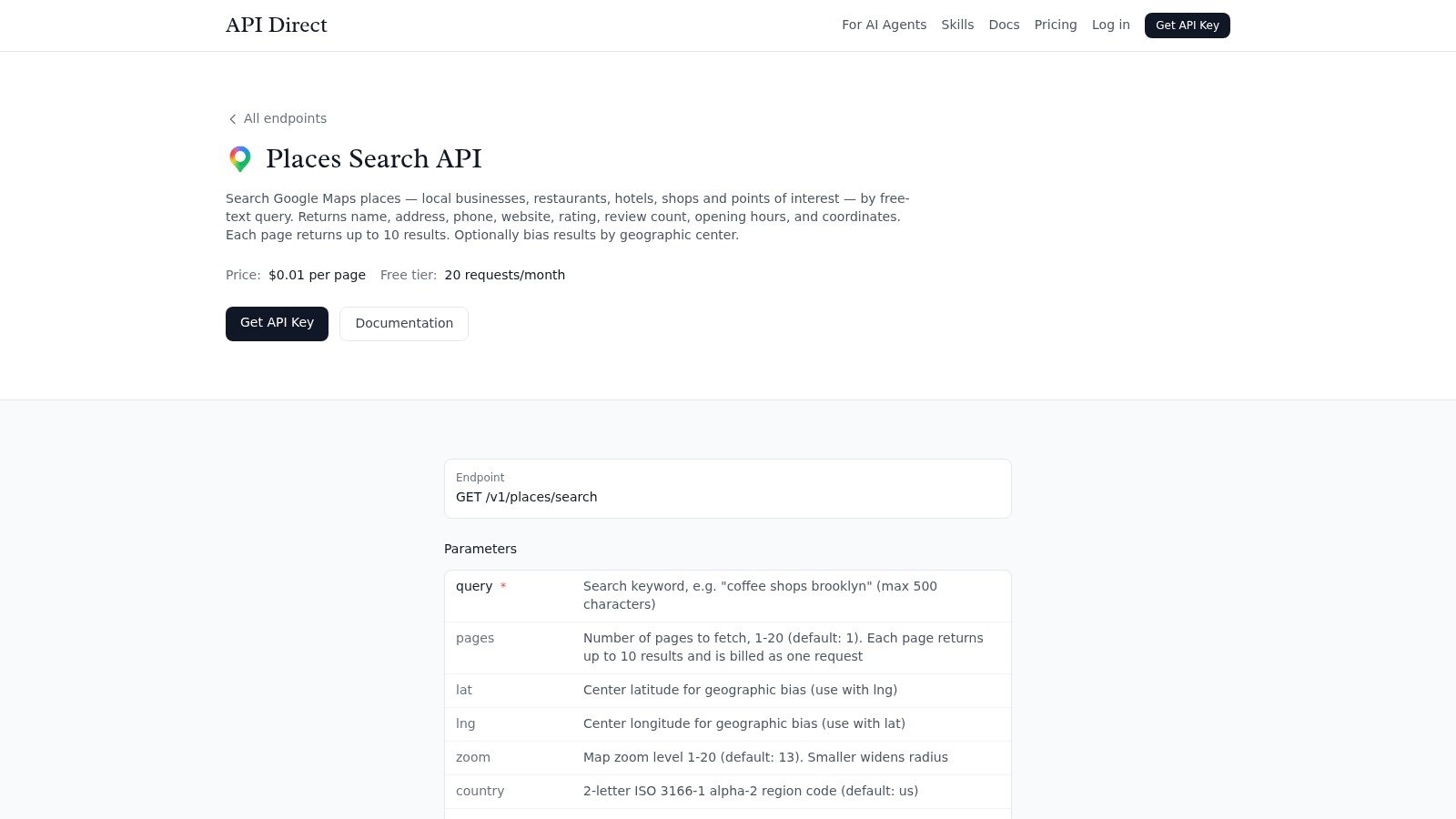
API Direct gives you Google Maps place data through a simple pay-per-request API. It has four places endpoints: search, details, reviews, and photos. Search takes a plain query, like “coffee shops in Brooklyn.” It returns names, addresses, phone numbers, websites, ratings, hours, and map points. Each result has its Google place ID, so you can pass it straight to the other three endpoints.
Places is just one part of the API. The same key also covers social media, web search, news, and shopping data. You don’t need a new parser or a new login for each source. That helps when your product needs place data next to social or web data.
Reviews are a big reason teams switch. Google’s own Places API returns at most five reviews for each place (Google Places API reference). API Direct returns up to 10 reviews per page and up to 10 pages per call. You can sort them by newest or by rating. You can also add AI emotion analysis to each review for a small extra fee.
Pricing is easy to model. Place search, reviews, and photos cost $0.01 per page of up to 10 results. Place details cost $0.003 per request. Search, reviews, and photos each come with 20 free requests a month, and details come with 50. You don’t need a card to start (API Direct pricing).
Speed and control matter too. Most calls come back in 1 to 2 seconds, with 99.9% historical uptime. The dashboard tracks your requests, errors, and costs. You can also set daily and monthly spending caps. That keeps place lookups on budget as you grow.
Where it fits best
The best fit is a product that mixes place search, AI agents, live monitoring, and agency reports. In that setting, one API for every source often matters more than a deep map catalog. A batch call can hold up to 100 requests, and each one is billed at its normal rate. You can run up to 10 requests at once per endpoint. MCP and n8n support make it easy to plug the API into tools like Claude, ChatGPT, Cursor, and OpenClaw.
Practical rule: Use API Direct when your product needs Google Maps place data next to other live sources, and you want one simple API for all of it.
There is a trade-off. API Direct is not a map platform. It doesn’t draw maps, plan routes, or run GIS analysis, so pair it with a map provider if you need those. Prices also vary by endpoint, so heavy use still needs a careful cost model.
To start building, see the API Direct Places Search endpoint. It’s a practical base for a reusable place-search layer.
2. Foursquare Places API
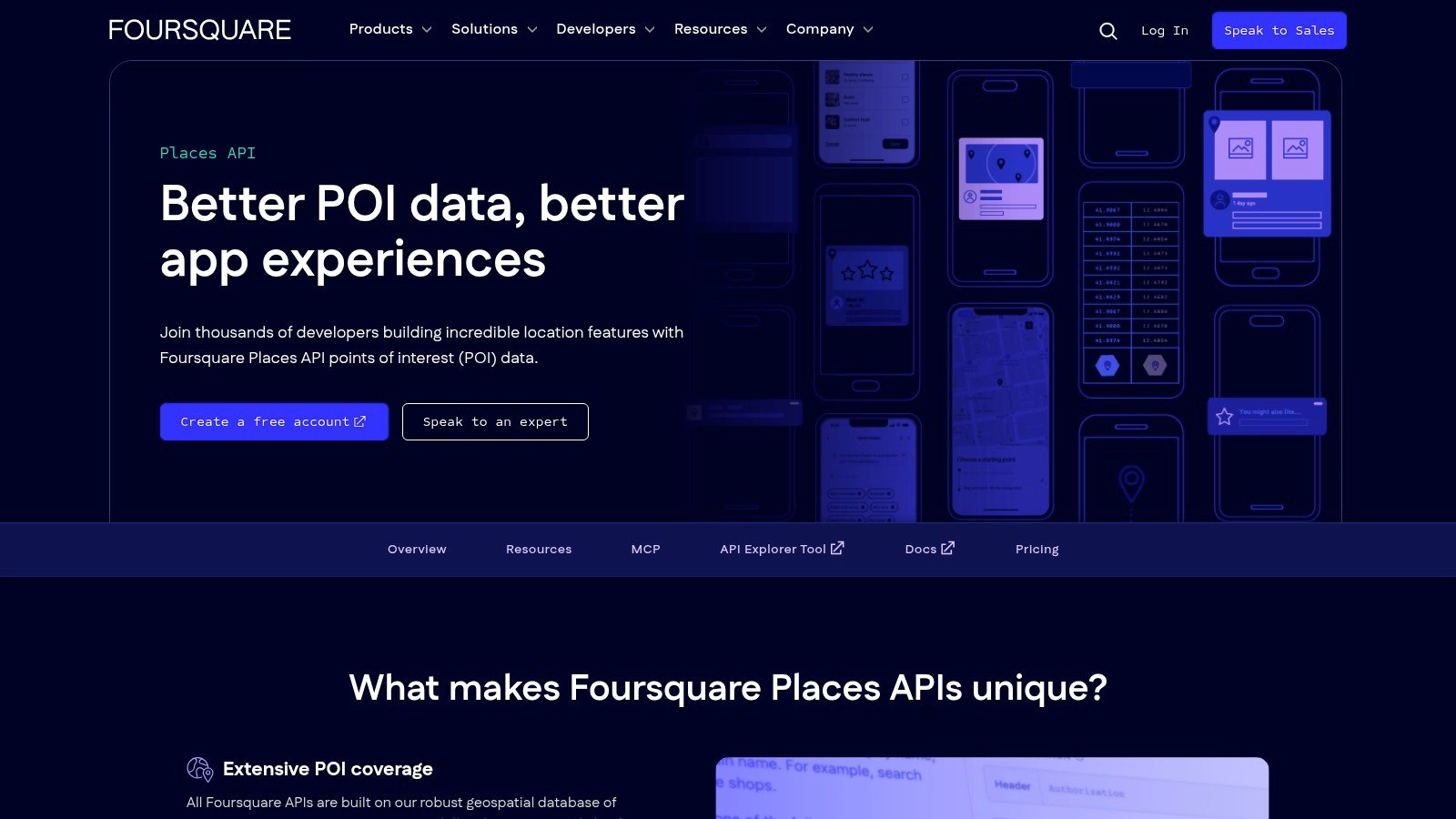
Foursquare is the obvious answer when your product lives or dies on POI quality. Its Places API covers place search, details, autocomplete, photos, categories, and opening hours (Foursquare Places API). That makes it a strong fit for store finders, consumer apps, and analytics teams. It suits teams that need curated venue data first.
Why teams switch to it
Foursquare’s value is coverage quality and category depth. If your app depends on accurate category filters or place matching, its structure helps more than a bare search layer. It can also match your own place IDs to Foursquare’s records. Its edit and feedback tools let you suggest, flag, or merge places. That helps large teams line up their own business records with outside venue data.
The limit is cost. Foursquare splits its fields into Pro and Premium tiers. Pro calls cover search, details, and autocomplete with standard fields. You get 500 free Pro calls a month, then pay $15 per 1,000. Hours, photos, tips, and ratings are Premium fields. Those cost $18.75 per 1,000 with no free tier (Foursquare pricing). A 99.9% uptime SLA is only offered under a signed commercial license, not on pay-as-you-go plans. If your product needs map display or custom styling, you’ll still pair it with a map provider.
A good migration test is whether your team can explain its POI problem in one sentence. If that sentence includes “urban venue quality,” “duplicate places,” or “commercial SLA,” Foursquare deserves a serious look.
Use it when your workflow needs reliable venue data and you’re ready to pay for it. If you want to own the data outright, Foursquare also offers a free open-source dataset called FSQ OS Places. Skip the API when all you need is cheap, high-volume address lookup.
3. Yelp Places API
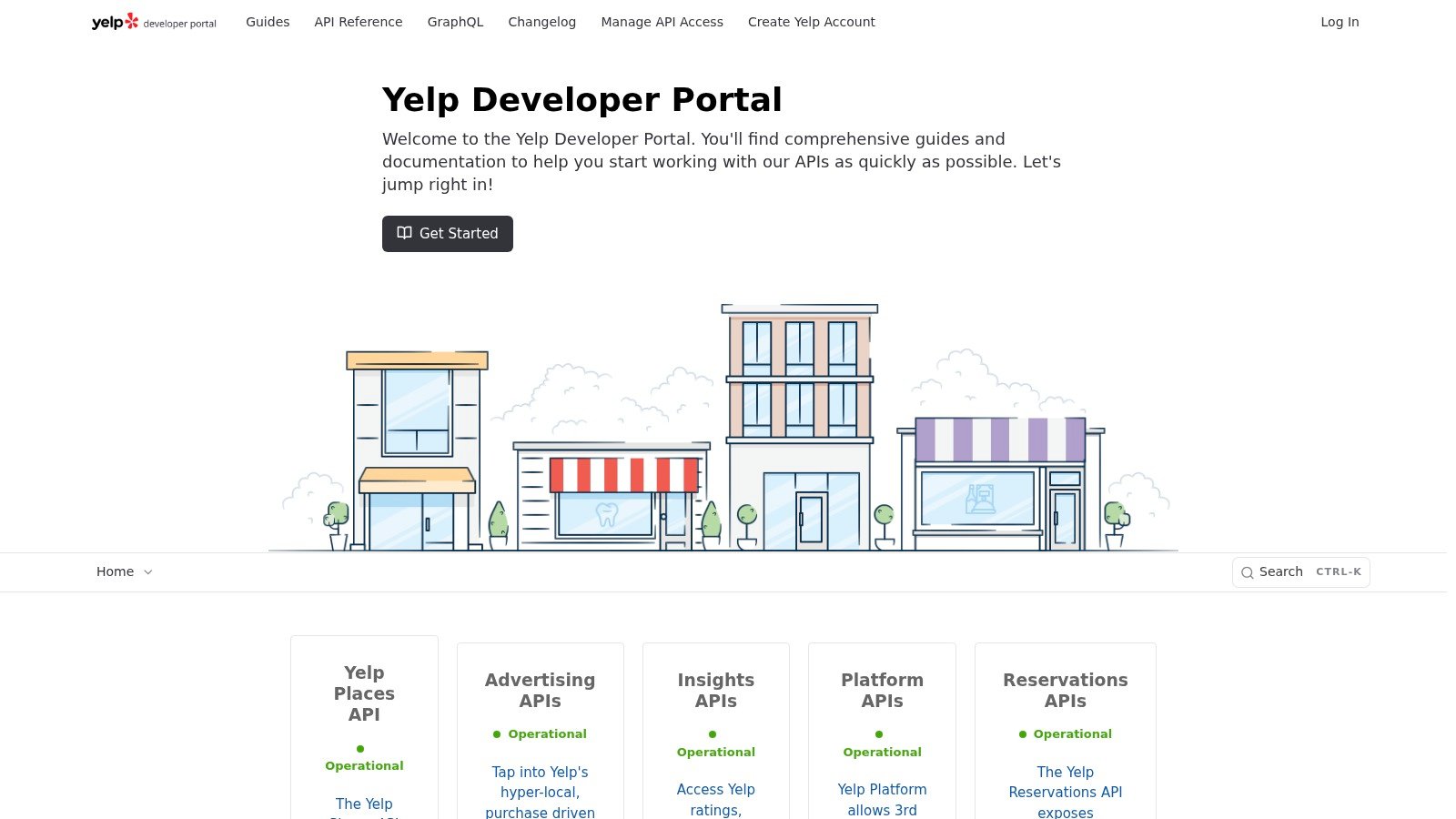
Yelp is the right Google Places API alternative when your user experience depends on reviews, ratings, and photos, not just map points. Its Places API, once called Yelp Fusion, offers business search, business details, and review excerpts. It has both REST and GraphQL options for teams that want more control over the data (Yelp Developer Docs). That makes it a good fit for restaurants, local services, and discovery apps built on reputation.
Why it is different from generic POI APIs
Google-style place data is often judged by how well it answers “what is here?” Yelp is stronger at “what do people think of it?” That matters if your app leans on social proof, since review signals can shape both ranking and sales.
Yelp sells the API in three plans. Base costs $229 a month, Enhanced costs $299, and Premium costs $643. Each includes 30,000 calls a month (Yelp pricing). The Base plan has no review excerpts and no photos. Enhanced adds up to three short review excerpts and three photos per business. Premium raises that to seven excerpts and 12 photos. The free trial gives you 5,000 calls in total over 30 days, for testing only.
The trade-off is access and storage. You can cache Yelp content for 24 hours at most, though you may keep Yelp business IDs. The terms also bar some uses, such as data analysis. If you need broad place coverage without a review focus, Yelp is probably too narrow. If your product’s value depends on trust signals, it’s one of the most practical options on the market.
Best-fit scenario
Use Yelp when the place card itself is part of the product story.
- Restaurants and local services. Reviews and photos drive user choice.
- Comparison apps. Users need reputation signals, not just maps.
- Search with trust. Listings feel safer when the content is familiar.
If you need full Google reviews instead of short excerpts, see our API Direct Google Reviews API overview. It compares ways to pull reviews next to other sources, without a separate parser for every platform.
4. HERE Geocoding and Search
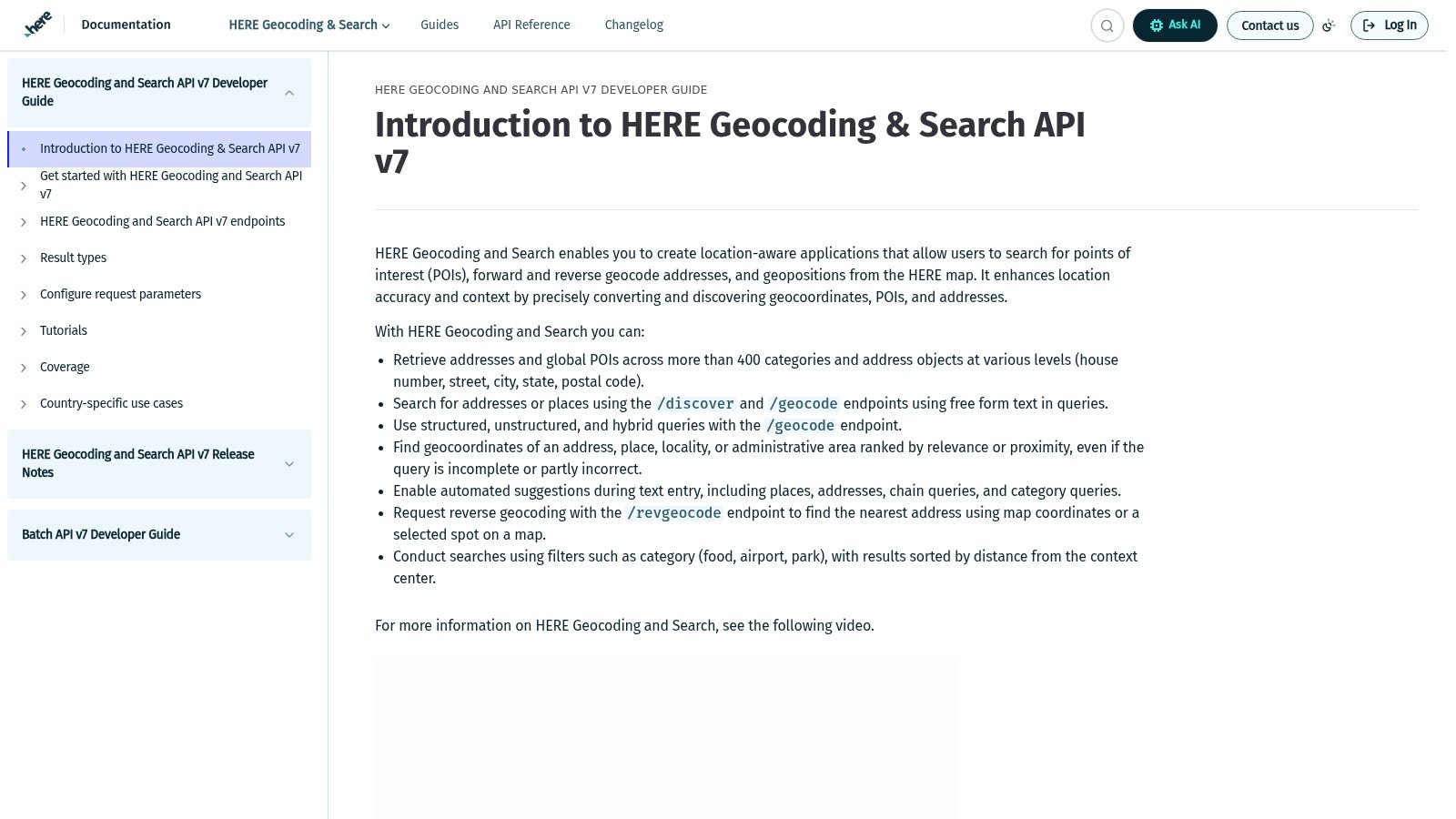
HERE is the strongest enterprise-style pick when your main job is geocoding, search, and address structure. Its Geocoding and Search API covers forward and reverse geocoding, discover, autosuggest, and browse by category. It can also look up a place by its HERE ID. It has global coverage and enterprise support (HERE Geocoding and Search). That makes it a sensible target for logistics, enterprise, and operations teams. It suits teams that need steady location results more than consumer reviews.
What makes it a good fit
HERE’s place model is built for structure. Each address breaks down into country, state, county, city, district, street, and postal code. That matters when your app needs to know how a place relates to its city or region, not just its name. It can also simplify enterprise work where addresses, routes, and maps need to line up in one service.
It also fits teams that think in terms of support contracts and governance. Compared with consumer-first options, HERE is more at home where stability and account management matter. Pricing is clear at the start. Geocoding gets 30,000 free calls a month, then costs $0.88 per 1,000. Discover and autosuggest get 5,000 free calls, then cost $2.92 per 1,000 (HERE pricing). The downside is that some features need a custom deal. Permanent geocoding isn’t in the base plan, and some fields are only open to contract customers.
Practical insight: Choose HERE if your biggest risk is not POI depth, but keeping a steady geocoding layer inside an enterprise stack.
Teams should still check which place fields they need. HERE also grades its search quality by country, so test the regions you serve. If reviews and photos are core to your app, HERE is usually not the final stop. If address matching, ID lookup, and global coverage come first, it’s a strong choice.
5. TomTom Search API
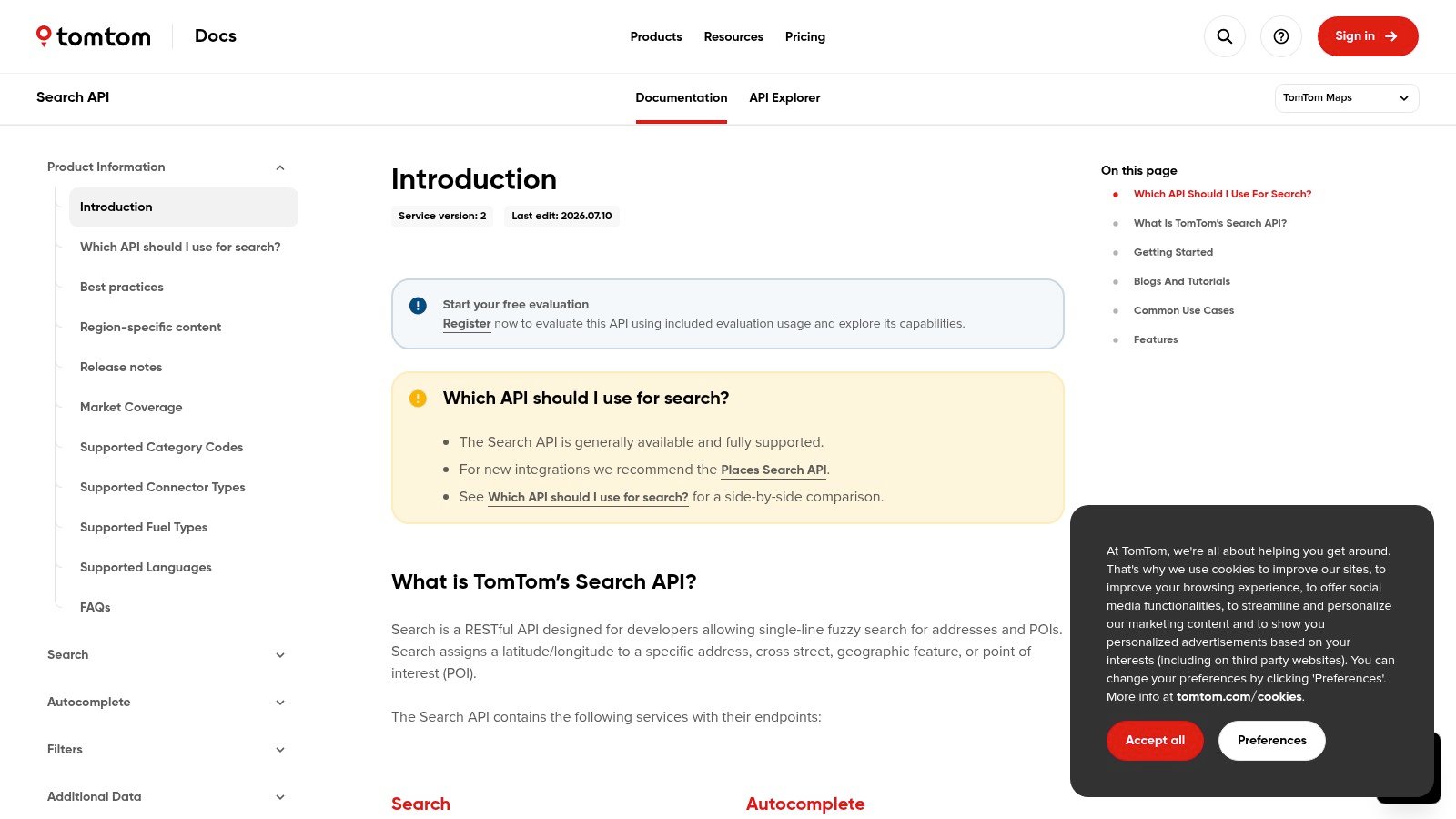
TomTom works well for teams that need place search, details, and filters without reviews. Its Search API covers fuzzy one-line search, autocomplete, and search inside an area or along a route. It also has place-by-ID lookups plus category and brand filters (TomTom Search API). That lets developers rebuild the common Google Places jobs in one place. Those jobs include search, details, and route-aware lookups.
TomTom now calls this API “previous generation.” It’s still fully supported, but TomTom points new projects to its newer Places Search API.
What stands out in practice
TomTom’s docs include an API Explorer, so you can test queries before you commit to a design. That helps during a migration. Teams can compare autocomplete, result format, and coverage against their current Places setup, instead of guessing from marketing copy.
Every API comes with a free monthly tier, which keeps early testing cheap. The Search API gives you 2,500 free calls a month, then costs $3.00 per 1,000. Geocoding gives you 20,000 free calls, then costs $1.00 per 1,000. The newer Places Search API starts at $18 per 1,000 for discovery after 5,000 free calls (TomTom pricing). The trade-off is that some POI products, like the Points of Interest API for photos and details, are sold only for automotive use through sales.
For teams choosing among options, that split matters. TomTom is a better fit when you need a documented search layer, steady build effort, and enough control to tune queries. It’s less suited to apps that need reviews or photo-heavy place pages.
Where it fits
TomTom is a practical option if your migration needs these features:
- One-line search for addresses and POIs.
- Autocomplete with useful filters.
- Place details by ID for follow-up lookups.
- Developer tools that speed up testing.
It’s less convincing if your app depends on ratings and reviews, since it doesn’t try to replace review-first sources like Yelp. It also gives you less open-data control than OSM-based tools. That matters for teams that want to shape their own coverage.
6. Mapbox Geocoding and Search
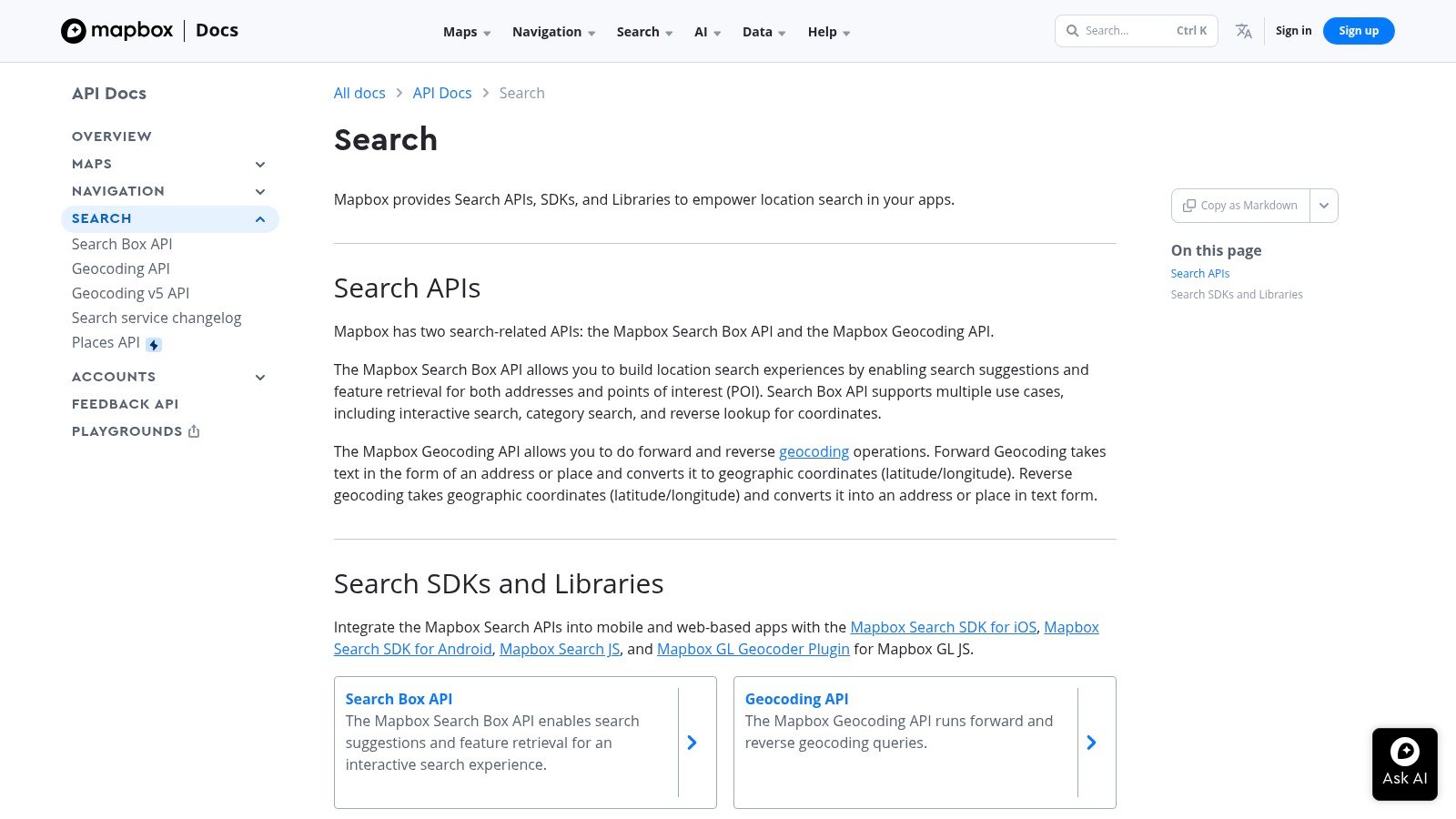
Mapbox is the better fit when search is only one part of a broader map product. Its Geocoding API handles forward and reverse geocoding. Its Search Box API handles POI and category search, with session-based autocomplete. Both come with a mature set of SDKs and tools (Mapbox Search API). That mix matters for consumer apps that need a polished search box as much as accurate results.
Where Mapbox wins
Mapbox is strong on speed of development. Its SDKs and search tools help teams ship map features without building every layer themselves. Its terms are also clear about temporary versus permanent data. That’s important if your app caches results or stores geocodes for later.
Temporary geocoding is generous, with 100,000 free requests a month. If you need to store results, you pay for permanent geocoding, which has no free tier and starts at $5 per 1,000 (Mapbox pricing).
The limit is storage. Search Box results are for temporary use only, and there’s no self-serve way to store them. If you need to keep that data, you have to contact Mapbox sales. Some extras also add cost. For example, asking Search Box for travel times bills each result at Matrix API rates. So Mapbox is less a single cheap endpoint and more a modular map stack.
For contrast, the API Direct Places Search docs show a simpler path if you want place search plus other live sources in one API. Mapbox is better when the map itself matters most.
Use Mapbox when your product needs branded map design, session-based search, and a platform that feels like an app layer rather than just a data feed.
7. Microsoft Azure Maps Search
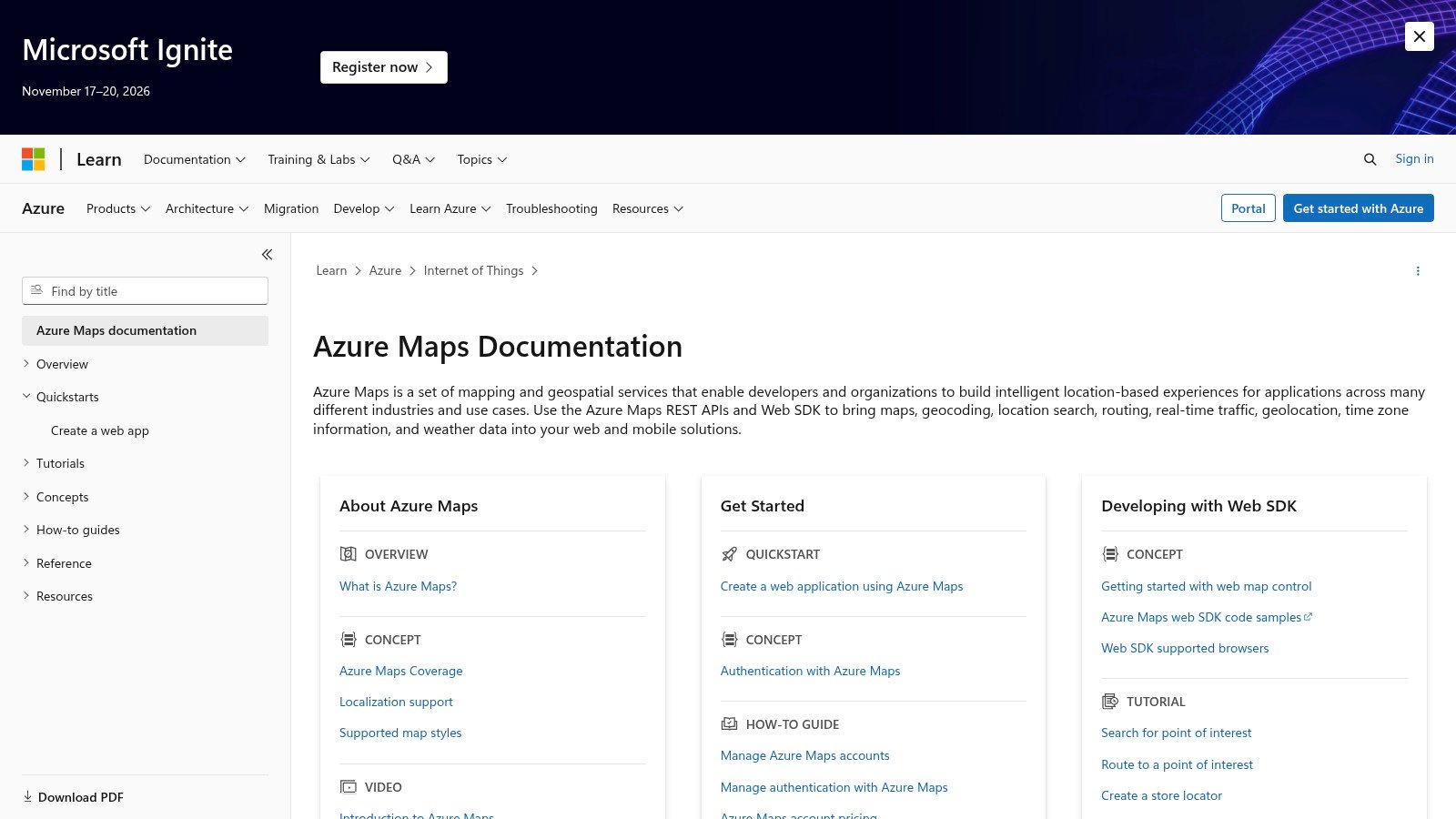
Azure Maps Search is the natural pick for teams already committed to Microsoft’s cloud. You pay through your Azure subscription, so billing and access rules stay in one place (Azure Maps). For large companies, that can be the difference between a clean switch and a messy one.
There’s one catch to know first. Business and POI search lives in the older Search v1 API. That version has POI search, fuzzy search, autocomplete, and filters for category, brand, and area. Microsoft has replaced it with Search 2026-01-01, which focuses on geocoding, autocomplete, and boundaries. The new version has no category or brand search for businesses. V1 still works and has no end date yet, but Microsoft asks teams to migrate.
Why it belongs on the shortlist
Azure Maps works well when logins, policy, and cost control already live in Azure. That can speed up buying and security review. It’s a big plus for companies that want one cloud vendor for identity, billing, and monitoring. Microsoft also has a guide for moving from Google Maps, which takes some guesswork out of planning.
Pricing is now simpler too. The old Gen1 tier retired on September 15, 2026, so every account runs on Gen2. Search includes 5,000 free transactions a month, then costs $4.50 per 1,000.
The trade-off is structure. Microsoft’s own guide lists no direct match for Google’s place details or place photos. Some Google features take more than one Azure call to rebuild. That means a straight swap can take more work than teams expect.
Azure Maps is easiest to justify when your company already runs on Azure for identity and governance.
If you want a search layer that fits your current cloud controls, Azure Maps is a credible choice. If you want reviews, photos, or open data, it’s probably not your first stop.
8. Esri ArcGIS Places Service
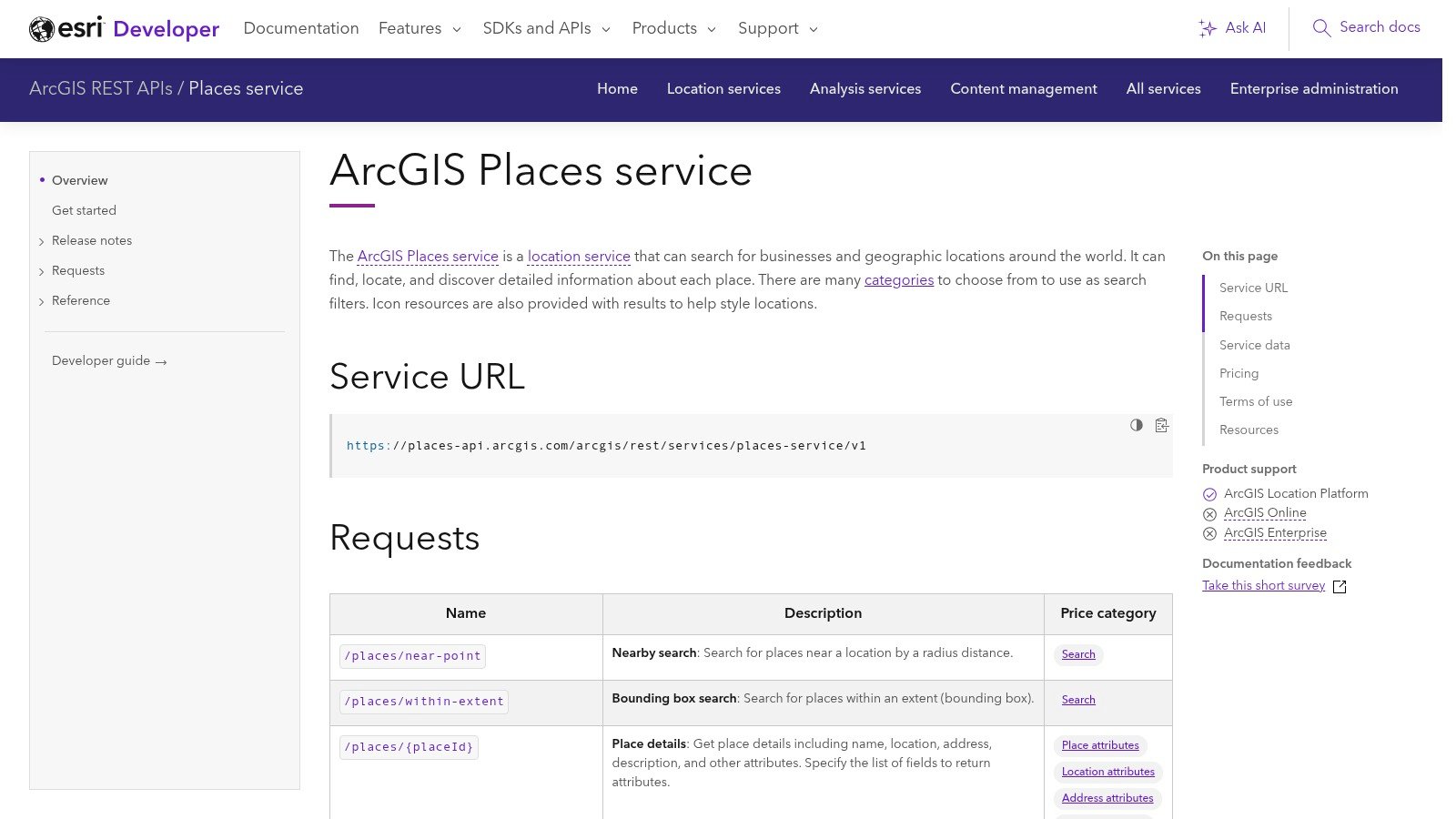
Esri fits best when place data feeds a GIS workflow, not a consumer search flow. The ArcGIS Places service finds businesses and landmarks around the world. Its search calls return the basics, like name, category, and location. A separate /places/{placeId} call returns the details, and you choose which fields you want (ArcGIS Places). Most of its data comes from Foursquare’s open-source places dataset.
Why GIS teams care
The pricing model shapes how you build. Searches cost $8 per 1,000 after 500 free each month. Details are billed per place, by the group of fields you ask for. Each group costs between $0.05 and $0.35 per 1,000 places, after 100 free. You’re only charged for fields that come back with a value. The service runs on the ArcGIS Location Platform.
That lets each team pay for only what it uses. Analysts, map teams, and dashboards can each pull just the fields they need. It matters when different users need different slices of the same place record.
Esri also makes sense inside an existing ArcGIS stack. If your maps, layers, and analysis already run there, the places service fits right in. The trade-off is discipline. Broad field requests can drive up your bill. Searches also cap out at 20 results per page and 200 in total.
Best-fit scenario
Esri is strongest when the place record feeds spatial analysis, not consumer search.
- GIS-heavy work. Place data needs to join with other map layers.
- Company dashboards. Cost should follow the fields you pull.
- ArcGIS shops. The service should feel built in, not bolted on.
For teams that need reviews, photos, or rich discovery, Esri is the wrong fit. It doesn’t try to copy Google-style place search. It’s a better match for mapping insight, controlled data use, and workflows where place records must link to the rest of your GIS stack.
9. Geoapify Places API
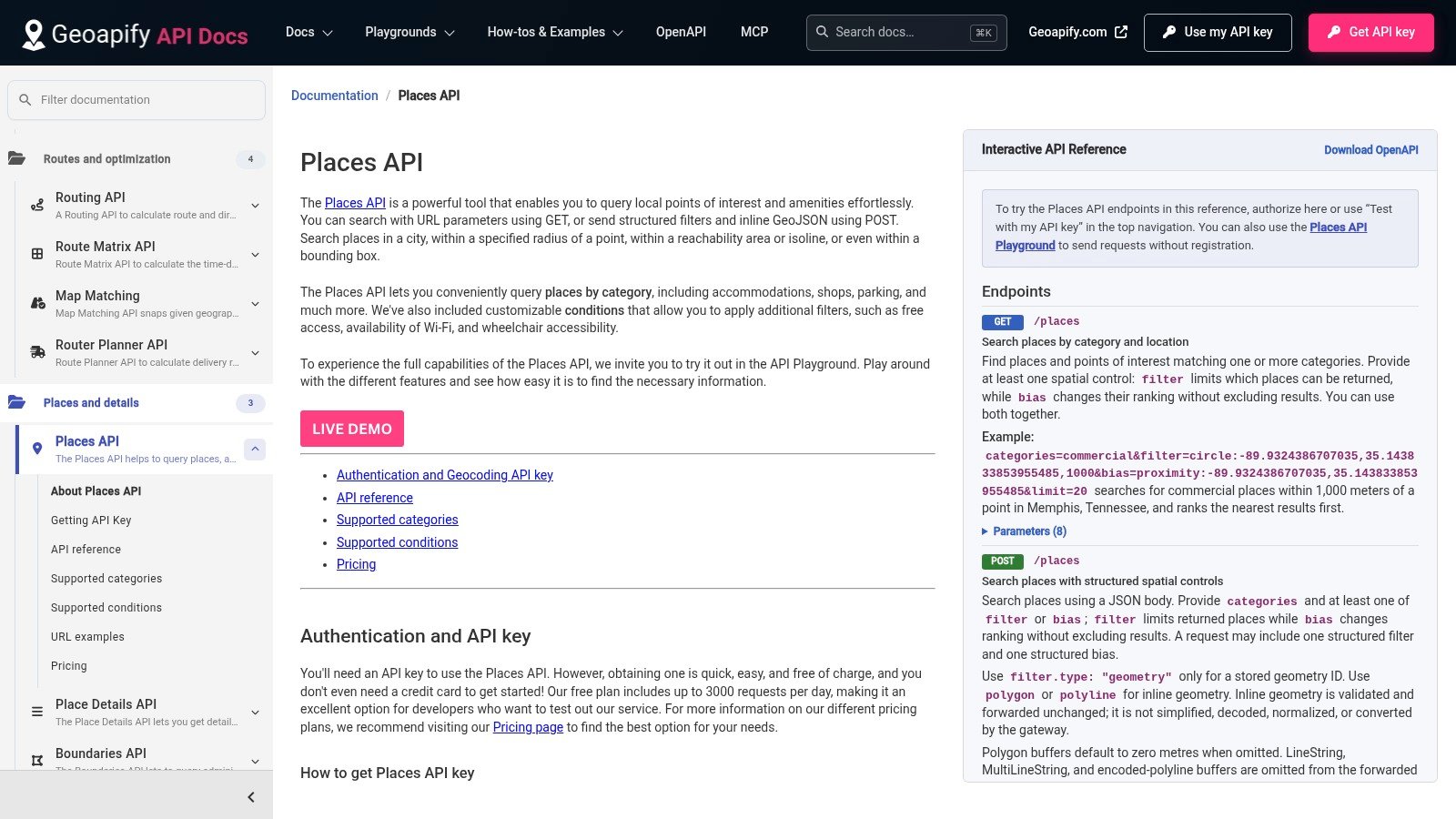
Geoapify suits teams that want OpenStreetMap data, clear pricing, and self-serve control without running their own servers. Its Places API searches more than 400 categories. You can filter by circle, box, shape, or city, and add conditions like “wheelchair access” or “free internet.” Place details come from a separate Place Details API (Geoapify Places API). For a Google Places swap, it’s a practical choice when search and geocoding matter more than reviews.
Its main strength is how places fit with the rest of its tools. One pool of credits covers places, maps, geocoding, and routing. Teams can keep one vendor for nearby tasks, which cuts sprawl and makes budgets easier to track. The free plan gives you 3,000 credits a day. Paid plans start at $59 a month for 10,000 credits a day. A places request costs one credit for every 20 places it returns.
The data comes from OpenStreetMap. The details API adds links from Wikidata and Wikipedia. That gives you a clear data and license story, mainly where OSM coverage is strong.
The trade-off is in the record itself. Compared with Google or Yelp, reviews and menu details are thin or missing. Data quality can also vary by region, based on how complete OSM is there. Geoapify fits cost control, geocoding, and map-based discovery. It’s a weaker match when ratings, photos, or rich place data drive your product.
Use it when you want to cut vendor sprawl without hosting it all yourself. It’s a sensible middle ground for these needs:
- Clear credit pricing.
- OSM-based data.
- Self-serve setup.
- Low-cost geocoding and places.
10. OpenStreetMap Overpass API
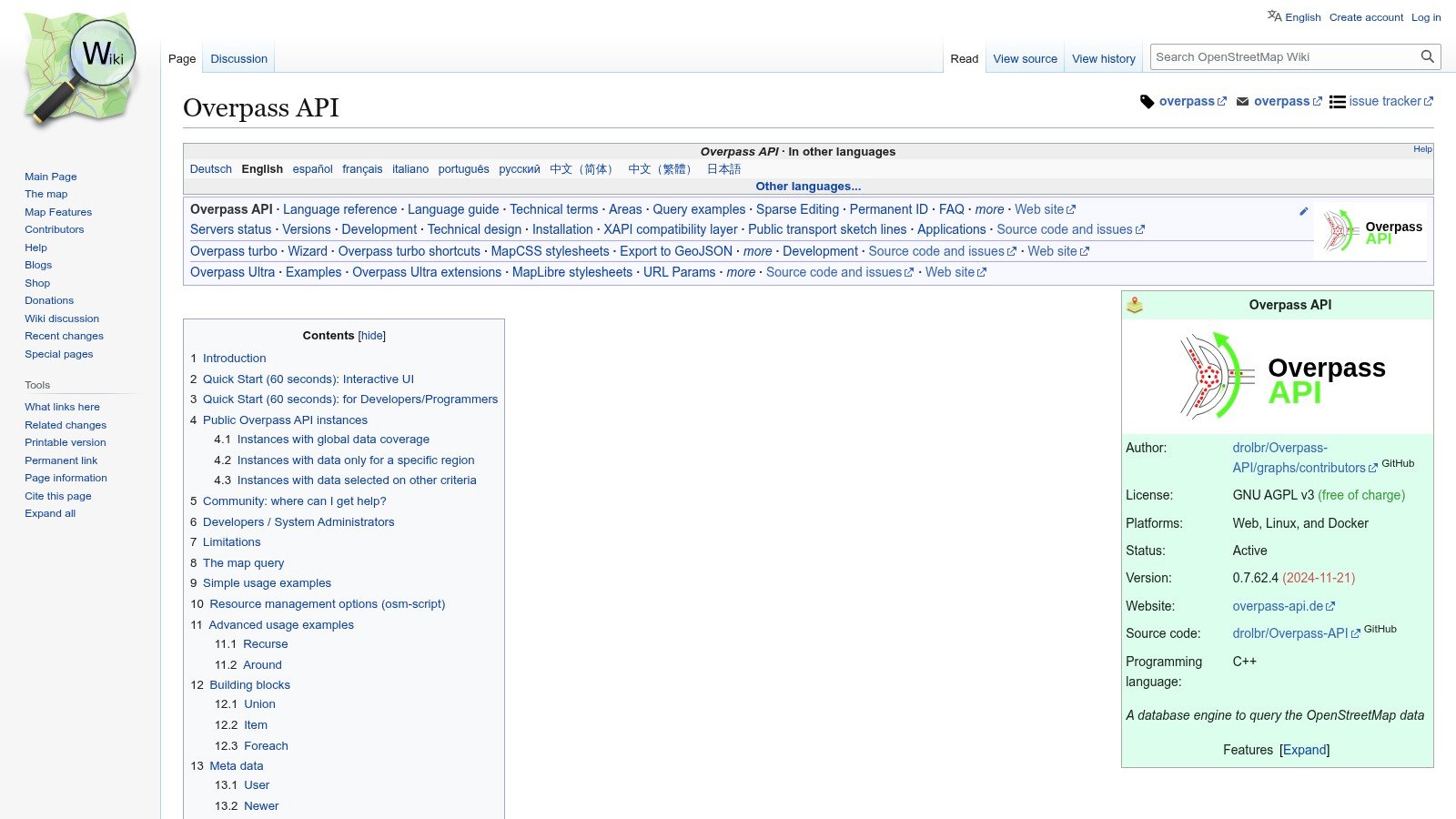
Overpass is the most flexible open-data option on this list, and also the most bare-bones. Its query language lets engineers pull map features by their tags. You can filter by a box, a shape, or an area. The data is free under the ODbL license, as long as you credit OpenStreetMap. You can also host Overpass yourself for more scale and control (Overpass API). If open-data control is your main need, this is the cleanest route.
Where it works and where it doesn’t
Overpass is ideal for repeatable data pipelines. If your team knows OSM tags and is comfortable writing queries, you can build very specific POI feeds with no vendor lock-in. That makes it a good fit for analytics, research tools, and internal systems that value control over convenience.
The limits are clear. The main public server asks for fewer than 10,000 queries and less than 1 GB of data a day. Its wiki also says commercial use belongs on your own or a paid server. OSM has no ratings or reviews. POI coverage varies by region too, so data can be great in one city and thin in another. Tech teams can handle that, but it’s a real risk for consumer apps that expect even coverage.
If your app needs reviews, photos, and polished discovery, Overpass is the wrong tool. If it needs custom POI data that you own, it can be exactly right.
For teams that want to own their data pipeline and avoid platform lock-in, Overpass is still one of the safest bets.
Top 10 Google Places API Alternatives Comparison
| Provider | Best for | Pricing | Watch out for |
|---|---|---|---|
| API Direct | Google Maps places, full reviews, and photos, next to social, web, and shopping data in one API. | Pay per request. Places cost $0.003 to $0.01 per call. 20 to 50 free calls per endpoint each month, with no card needed. | It’s not a map platform. Prices vary by endpoint. Up to 10 calls at once per endpoint. |
| Foursquare Places API | Curated POI data, categories, and place matching. | 500 free Pro calls a month, then $15 per 1,000. Premium fields cost $18.75 per 1,000. | Hours, photos, and ratings cost extra. The SLA needs a commercial license. |
| Yelp Places API | Apps where ratings and reviews drive the experience. | Plans from $229 a month for 30,000 calls. The trial gives 5,000 calls over 30 days. | Only short review excerpts, and none on Base. Content can be cached for 24 hours at most. |
| HERE Geocoding and Search | Enterprise geocoding with detailed address structure. | 30,000 free geocodes a month, then $0.88 per 1,000. Search costs $2.92 per 1,000 after 5,000 free. | Permanent geocoding and some fields need a contract. Quality varies by country. |
| TomTom Search API | General POI and address search for routing apps. | 2,500 free calls a month, then $3.00 per 1,000. | TomTom now steers new projects to its Places Search API. Some POI data is automotive only. |
| Mapbox Search and Geocoding | Consumer apps that need polished autocomplete and SDKs. | 100,000 free temporary geocodes a month. Permanent geocoding costs $5 per 1,000. | Search Box results are for temporary use only. |
| Azure Maps Search | Companies already on Azure for billing and governance. | Billed through Azure. 5,000 free searches a month, then $4.50 per 1,000. | POI search lives in the older v1 API. Google’s details and photos have no direct match. |
| Esri ArcGIS Places | GIS work and location analytics in ArcGIS. | $8 per 1,000 searches after 500 free. Details are billed by field group. | Broad field requests raise costs. Searches cap at 200 results. |
| Geoapify Places API | Teams that want low cost and OSM data. | 3,000 free credits a day. Paid plans from $59 a month. | Few reviews and less POI depth. Quality varies by region. |
| OpenStreetMap Overpass API | Custom OSM data pulls and open-data pipelines. | Free public servers with fair-use limits. You can self-host for scale. | No reviews or ratings. Coverage varies by region. |
Choose by Data Coverage, Not Brand Familiarity
The best Google Places API alternative depends on the exact place job your product has to do. Choose API Direct when you want Google Maps place data and reviews in one API with your other live sources. Choose Yelp when reviews and photos drive the experience. Choose Foursquare when curated POI quality matters most. Choose HERE, TomTom, Mapbox, Azure Maps, or Esri when mapping, geocoding, enterprise rules, or GIS work leads the project. Choose Geoapify or Overpass when OSM data, open-data control, and self-hosting matter more than reviews.
The biggest mistake is comparing vendors on headline features alone. Before you switch, check a few things:
- Coverage. Test results in the cities and countries you serve.
- Fields. List the place fields your product truly needs.
- Rights. Check what the terms let you store and show, mainly for reviews and photos.
- Volume. Estimate your real request mix, from search to details to autocomplete.
- Price and limits. Confirm the current rates and caps on the vendor’s own pages.
Google’s March 2025 pricing change makes this homework more important. Your Google bill now depends on which SKUs your workload uses (Google pricing page, Google March 2025 pricing update).
The same logic applies to other vendor choices. If you’re also weighing store platforms, see exploring lower-cost store platforms for a different kind of trade-off. The right replacement isn’t the one with the longest feature list. It’s the one that fits your real workload without surprise bills or gaps in coverage.
If you want Google Maps place data next to your other real-time sources, API Direct is built for that job. You get one API key, pay-as-you-go pricing, and spending caps that keep costs in check while you compare options. Try API Direct for free before you commit to another single-purpose stack.