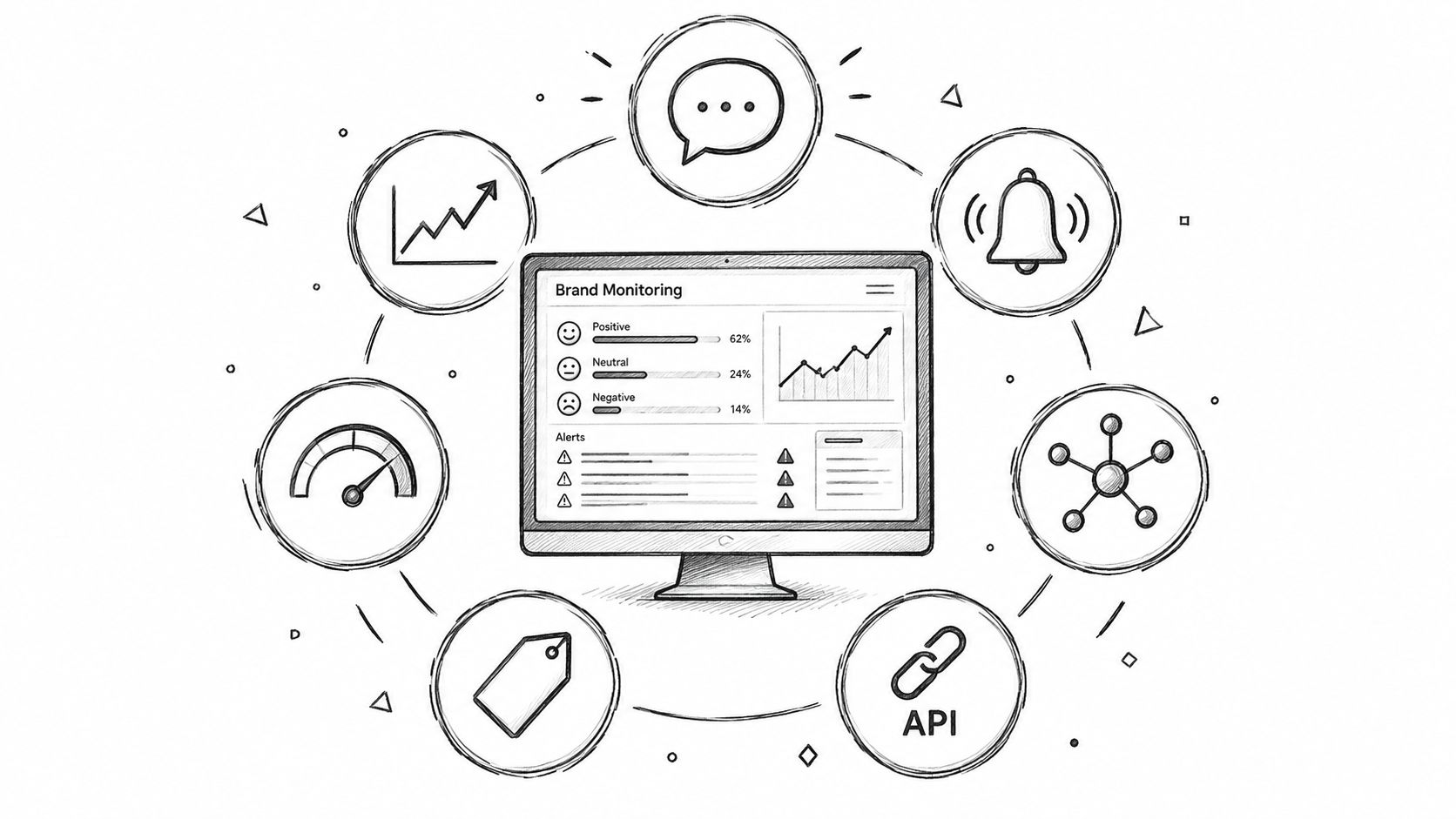
Most advice on the best brand monitoring tools assumes the biggest dashboard wins. That’s the wrong test. The right tool depends on the signal you need. It also depends on what your team does once a mention shows up.
A PR team that tracks the news has a different job than an engineer who builds a live mention feed. A global brand team may need sentiment, approvals, and access rules for each region. A small company may just need fast alerts and a price it can see before a sales call. That’s why mention counts alone don’t tell you much. Compare where each tool looks, how it reads tone, and how fast it alerts you. Check API access and exports too. Then ask if pay-as-you-go or a yearly contract fits your workload.
This matters more now because the market has grown fast. The Business Research Company puts the social media listening market at $10.37 billion in 2025. It expects $12.15 billion in 2026 and $22.61 billion by 2030. So buyers aren’t just picking a dashboard. They’re picking a system their team will run every day.
If you want a broader list first, this roundup of social media monitoring tools is a good companion. Below, we compare eight tools by the problem each one solves best. We checked each vendor’s own site in October 2026. Prices change often, so confirm them before you buy.
1. ForumScout
ForumScout is the best pick for most teams on this list. It tracks your brand, your rivals, and buying intent across Reddit, X (Twitter), LinkedIn, YouTube, Instagram, Bluesky, Hacker News, Facebook, forums, and news sites. ForumScout says it watches over 10 million sources. As the name suggests, it’s strong on forums and community sites, where honest product talk often starts.
Setup is quick. You paste in your website, and ForumScout learns your product, your buyers, and your competitors. Then it scans for new mentions every few hours. AI scores each mention and explains why it matters. There are no queries to write and no complex dashboard to learn.
Best for fast, low-cost brand tracking
ForumScout covers the core jobs of brand monitoring in one place:
- Brand mentions. Find out when someone names your brand, product, or team.
- Competitor tracking. See what people say about your rivals and where they fall short.
- Share of voice. Compare your brand with competitors on each platform over time.
- Sentiment and emotion. Track how people feel about you, and spot PR issues early.
- AI filtering. Tell the AI what to surface, such as “only show pricing complaints.”
- Alerts and exports. Get email alerts, or send mentions to Google Sheets or a webhook. Webhooks link to Zapier, Make, and most CRMs.
It also finds leads. Many brand mentions are really people asking for a tool like yours. ForumScout flags those posts so you can reply before a competitor does.
Pricing and trade-offs
ForumScout shows its prices up front, and every plan includes unlimited seats:
- Starter costs $19 a month. It tracks 10 keywords, scans every 6 hours, and keeps 3 months of history.
- Pro costs $49 a month. It tracks 20 keywords and scans every 3 hours. It adds sentiment trends, competitor insights, and audience insights.
- Ultra costs $129 a month. It tracks 30 keywords, scans every hour, and keeps 12 months of history. It adds emotion analysis.
Yearly billing gives you 2 months free. The 7-day free trial runs on the Pro plan and needs no credit card.
The trade-offs are clear. ForumScout scans on a schedule, so it isn’t built for second-by-second crisis feeds. It tracks text, and it doesn’t list logo detection in images or video. Big firms that need approval chains across regions should look at Sprinklr. But for most brands, agencies, and startups, ForumScout covers the sources that matter at a small fraction of enterprise cost. If you’d rather build your own feed, ForumScout points developers to API Direct, which is #8 on this list.
Website: ForumScout.
2. Brandwatch Consumer Research
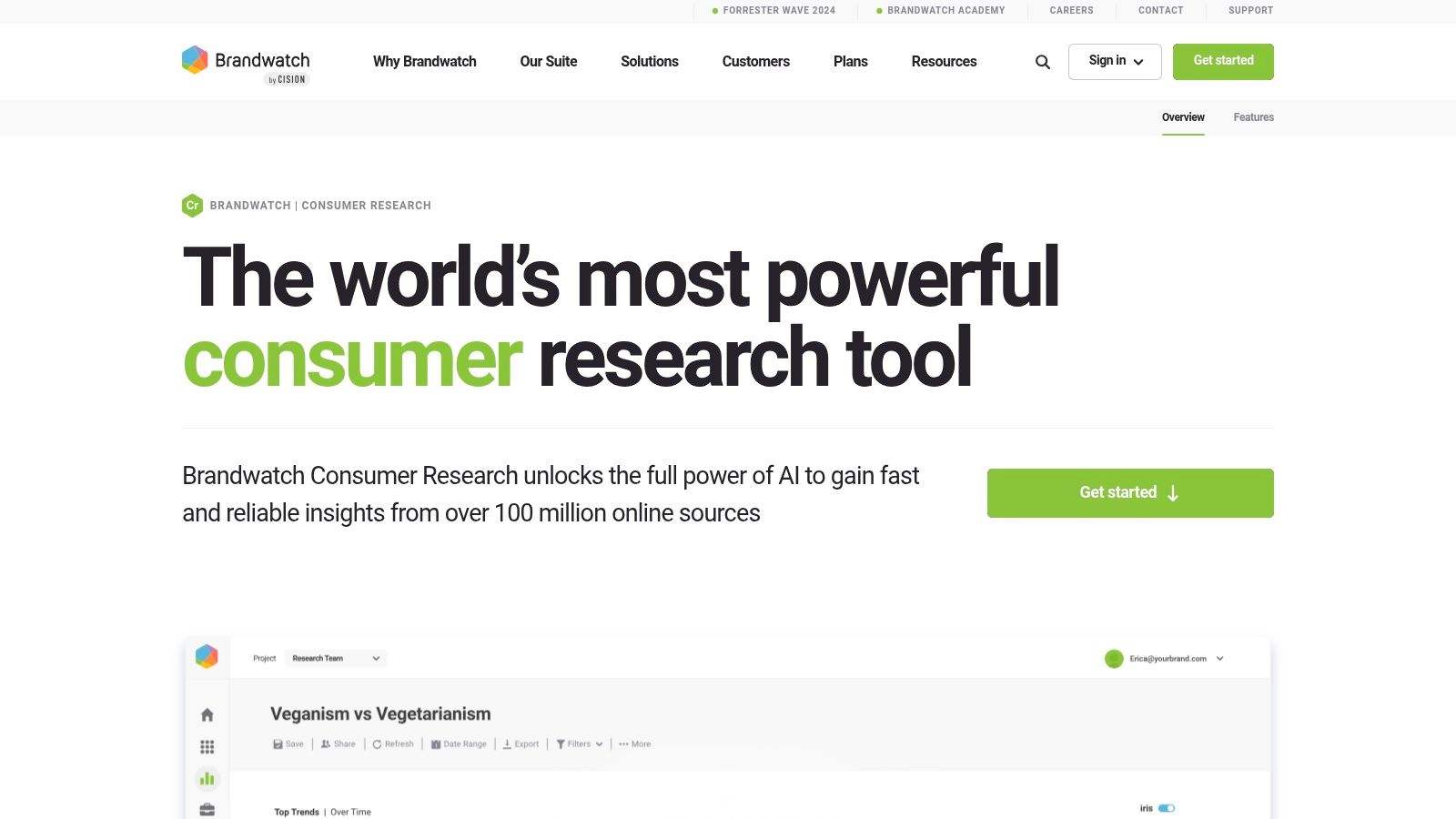
Brandwatch Consumer Research suits teams that need deep research, not just a feed of mentions. Brandwatch says it draws on more than 100 million online sources. Its archive holds over 1.4 trillion posts, going back to 2008. Teams use it to compare audiences, track brand health over time, and spot trends across markets.
It sits in a different spot from the other tools here. It’s less about daily posting than Sprout Social. It’s also less about raw data access than API Direct. Its strength is depth.
Best for enterprise intelligence
Brandwatch stands out for search control. Analysts write Boolean searches with AND, OR, NOT, NEAR, and wildcards to cut out noise. Its AI assistant, Iris, turns big sets of results into insights in plain language. Brandwatch also offers image analysis, alerts, reports, and APIs. That helps teams move data into BI tools or internal reports.
The trade-off is effort. Good results depend on careful setup. Someone has to own the queries, languages, topic lists, and dashboards. That’s a lot of work for a global brand that tracks many products or regions. Smaller teams can use it, but they may pay for depth they don’t need.
Coverage, alerts, and integration trade-offs
Coverage is broad. But the real edge isn’t the number of sources. It’s the ability to search them with care, so you get fewer off-topic mentions and cleaner trend lines. Alerts are there too. Still, Brandwatch fits analysis and reports better than light, real-time tracking.
It also links well with other systems. That matters if your listening data needs to feed other tools, not stay in one dashboard. Pricing isn’t public, though. You book a demo to get a quote. That makes early comparison harder, and it usually means a higher total cost than tools built for small teams.
It’s the best fit for insight teams, research teams, and enterprise brand teams. These teams need governed listening, structured analysis, and reports across markets in one place.
Website: Brandwatch Consumer Research.
3. Talkwalker
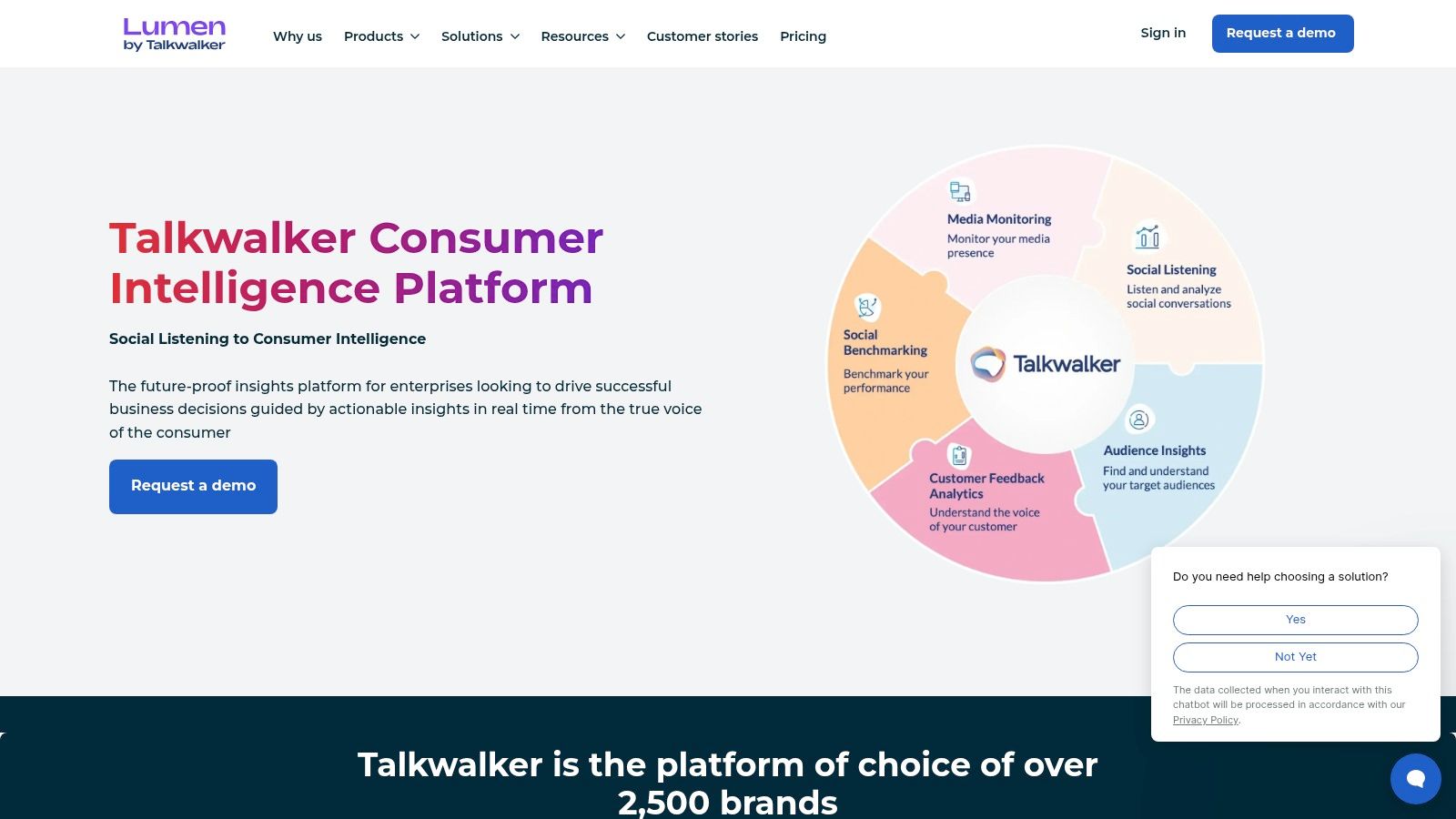
A long list of sources doesn’t solve every problem. Your brand may show up on jerseys, packaging, livestreams, creator videos, or event photos. Text-only tools miss those. Talkwalker stands out because it can find your brand in images, video, and audio, not just in written posts. Hootsuite bought Talkwalker in 2024.
That gives it a distinct role on this list. Brandwatch fits deep research. Meltwater fits PR and news coverage. Talkwalker is the better match when your brand is seen or heard before anyone types its name.
Visual recognition is its strongest use. Sponsorship teams, retail brands, media firms, and global consumer brands often need to know where their logo or product appears. They can’t count on tags, captions, or direct mentions to find it. In those cases, spotting unlabeled exposure matters more than raw source count.
Talkwalker also offers sentiment analysis, real-time alerts, and AI insights from its Blue Silk AI. Its Conversation Clusters feature groups related posts into topics. That helps analysts move from raw volume to patterns. They can see if a spike comes from a campaign, an influencer, a product issue, or a news story, without reading every post.
The trade-off is fit. Talkwalker doesn’t list prices on its site, so you’ll need a sales quote. It also works best when someone owns topic setup, alert tuning, and reports across markets. Smaller teams may use only part of what they pay for.
Here’s a simple test. If missed image or video exposure would skew your brand reports, Talkwalker deserves a close look. If you mainly need light alerts, basic sentiment, or low-cost tracking, other tools here are easier to justify.
Best problem solved: Finding your brand in images, video, and audio.
Watch-outs: Prices are by quote, setup takes work, and source value varies by market.
Ideal user: Brand, sponsorship, and consumer insight teams that need more than text mentions.
Website: Talkwalker.
4. Meltwater
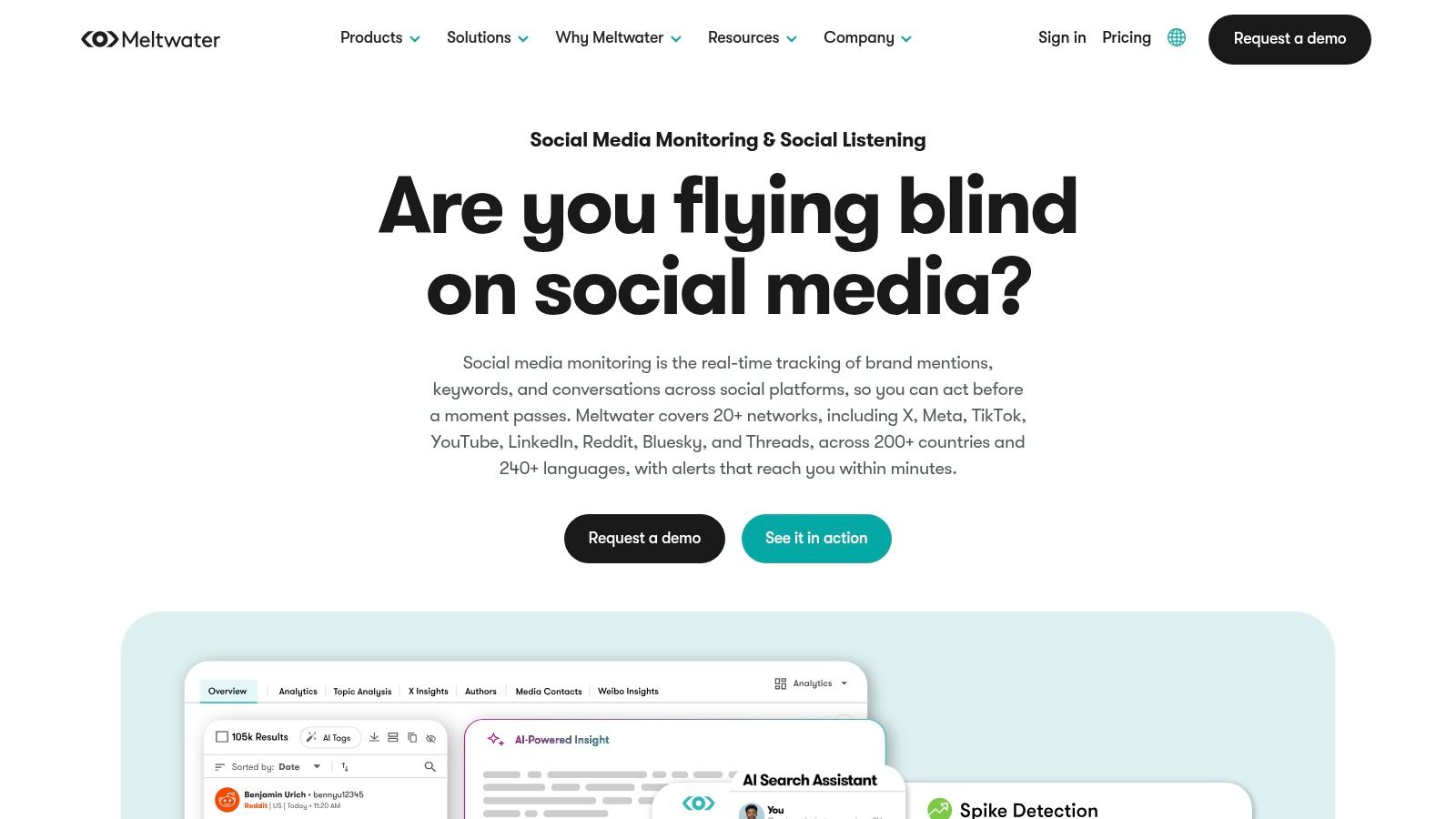
Many buyers see Meltwater as a social listening tool with PR features added on. It usually works the other way around. Meltwater makes the most sense when press coverage, journalist tracking, and social signals need to live in one system. That’s common when one team owns both reputation reports and response.
The difference matters. If your main question is “What are people saying on social?”, several tools here go deeper. If your question is “How did this story spread across news and social?”, Meltwater is a stronger fit.
Its product reflects that. Meltwater combines social listening, media tracking, and influencer tools in one platform. It covers 20+ social networks, including X, TikTok, YouTube, LinkedIn, Reddit, Bluesky, and Threads. It spans 200+ countries and 240+ languages. It adds real-time alerts, dashboards, scheduled reports, and AI summaries. For PR teams, that mix cuts handoffs. A press spike can become a briefing, an alert, and a report in one place.
API access is easy to overlook. It doesn’t make Meltwater a tool built for developers, like API Direct. But it helps teams push data into internal dashboards, BI tools, and reports. Meltwater also offers data exports and links to common business tools.
Here’s a simple test. Choose Meltwater if media tracking is a core part of the job, not a side request. Its value grows when one report must cover news pickup, campaign coverage, spokesperson mentions, and social reaction. That’s why it shows up so often on PR, comms, and agency shortlists.
The trade-off is the buying process. Prices are only available on request. Packages can depend on modules or add-ons. So check exactly which sources, alerts, and links to other tools your contract includes. Teams that want low-cost or self-serve tracking will likely find the sales process heavier than they need.
Best problem solved: News and PR coverage tied to social tracking.
Best fit: Comms, PR, and reputation teams that report on news and social together.
Watch-outs: Prices aren’t public, features depend on the package, and it’s less useful for social-only needs.
Website: Meltwater.
5. Sprout Social
Sprout Social suits teams that run brand monitoring as a daily task, not a one-off research project. Its edge is workflow. One team can watch conversations, route replies, approve posts, publish, and report, all in one tool.
Best for social-team workflows
That matters for marketing and community teams that need fast handoffs more than the widest source list. Sprout’s Listening add-on brings topic tracking, sentiment scores, and Spike Alerts for sudden jumps in volume or sentiment. So monitoring sits close to action. A spike in complaints or competitor mentions can move straight into replies, team tasks, and reports. You don’t need to export data to a second tool.
Sprout is less compelling if you start with research depth. Say you need custom data pulls, wider coverage beyond social, or flexible routing into your own systems. Then developer tools or enterprise research tools usually go further.
Pricing model and trade-offs
Look closely at the pricing. Listening isn’t part of the entry plan. It’s an add-on for the Standard plan and up, and Sprout doesn’t list its price. Standard costs $199 per seat per month, billed yearly. Costs can climb fast as you add seats, profiles, and add-ons. Sprout does offer a 30-day free trial with no credit card.
That cost is easier to justify when one platform replaces several social tools. It’s harder to justify if you only need monitoring.
Best problem solved: Social team workflows that link monitoring, replies, and reports.
Best fit: Social, community, and marketing teams that want listening inside their daily posting and engagement work.
Watch-outs: Listening costs stack on top of seat-based plans. Source coverage is narrower than research tools. It’s also less flexible than API-first or enterprise tools.
Website: Sprout Social pricing.
6. Sprinklr Social Listening
Sprinklr suits companies that run brand monitoring as a governed process, not just a research feed. It’s built for large firms that need approvals, access rules, controls by market, and shared workflows across regions.
That makes it stand out on this list.
Best for global governance
Sprinklr combines social listening with wider customer experience tools, such as publishing, customer care, and case routing. Its listening tracks 30+ social and digital channels in real time. It reads sentiment and emotion, and it can spot your logo in images, GIFs, and videos. It also sends real-time crisis alerts.
For big teams, that matters because monitoring rarely ends when a mention is found. Findings often pass through legal, customer care, brand teams, and local market owners before anyone acts. Sprinklr supports this with role-based permissions, approval workflows, and audit trails.
The trade-off is complexity. Sprinklr makes sense when a company needs one system for listening, escalation, and control across many business units. Smaller teams usually get less value from that structure and more work setting it up.
Sources and alerts are only part of the decision. Fit is the bigger question. If you need flexible developer access first, API-first tools are a better match. If you mainly need news and PR coverage, Meltwater may be easier to justify. Sprinklr is strongest when the problem is control across a large company.
Trade-offs in signal quality and day-to-day use
Governance doesn’t remove the usual listening problems. Teams still need to tune queries and cut off-topic matches. They also need to decide how sentiment and priority rules work in each market. In busy setups, weak tuning creates noise. And noisy alerts make people stop trusting the system.
That gets harder as AI-written and duplicate content grows. False alarms are a known risk in nearby fields too. SunTec India on false positives in AI brand protection platforms notes that false alarms add manual review work. They can also block legitimate activity and hurt trust with partners.
Sprinklr is a strong fit for firms that need audit trails, role-based controls, and joint action across regions. It’s a weak fit if you want fast setup, public prices, or light monitoring.
Best problem solved: Governance for large monitoring programs with many teams.
Best fit: Enterprises with regional teams, approval chains, and shared response workflows.
Watch-outs: Prices aren’t public, setup and tuning take real effort, and small teams may pay for controls they don’t need.
Website: Sprinklr Social Listening.
7. Brand24
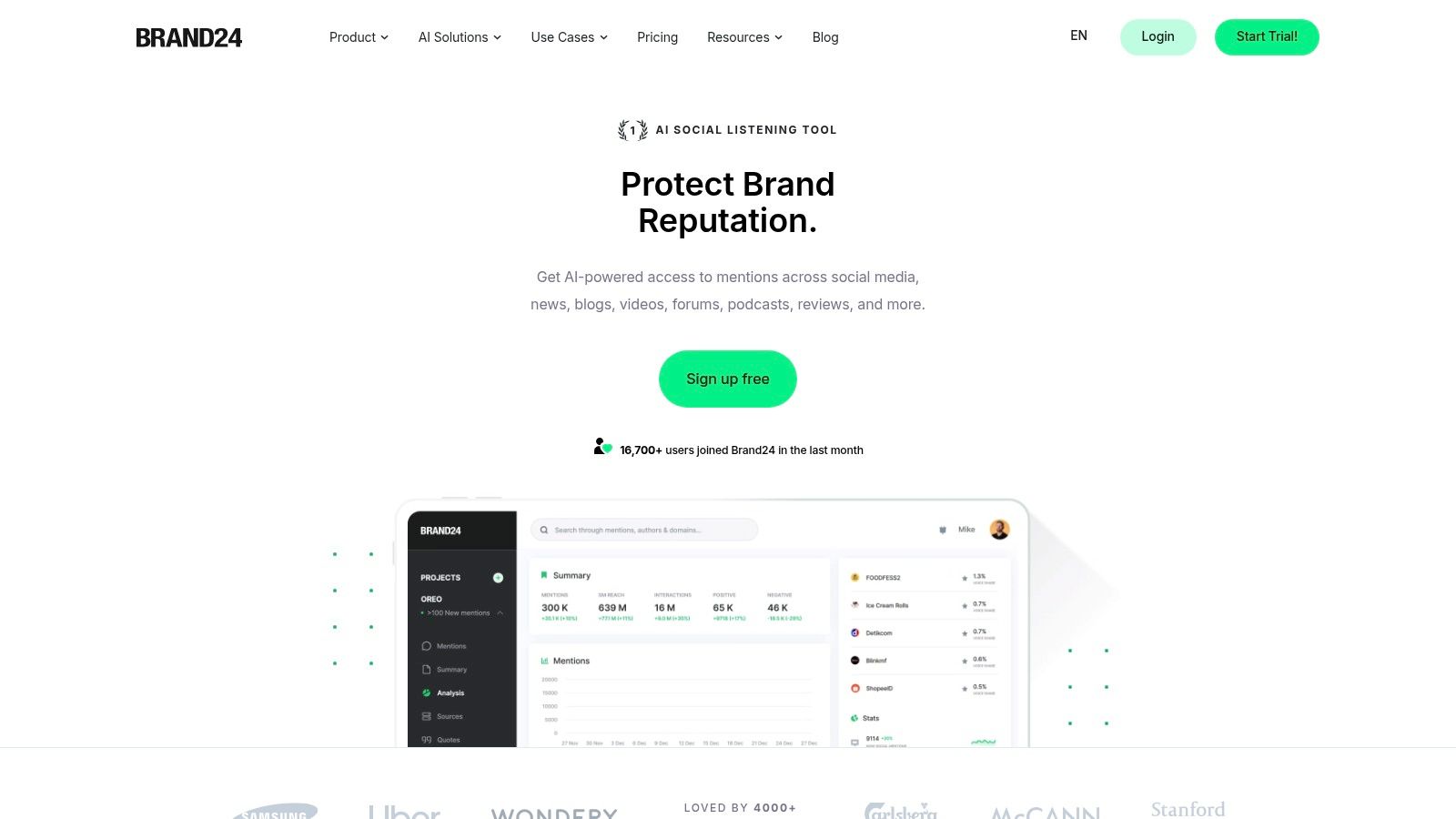
Many monitoring tools add enterprise weight before a small team knows it needs it. Brand24 is useful partly because it doesn’t start there. Its appeal is simple. It offers paid monitoring with fast setup and public prices. It has enough filters, sentiment, alerts, and reports for teams that need coverage now, not after a long rollout.
That makes Brand24 a clear fit for small and mid-sized teams.
Buying is part of the appeal. Brand24 offers a 14-day free trial with no credit card needed. Plans start at $199 a month billed yearly, or $249 billed monthly. The entry plan tracks 3 keywords and 2,000 mentions a month, with updates every 12 hours. Hourly updates start on the $299 Team plan. Real-time updates start on the $399 Pro plan. So you can see your costs before you talk to sales. Many enterprise tools on this list use quotes, which makes early comparison harder for small teams.
Brand24 sits in the middle ground. It goes beyond basic mention tracking with sentiment, Boolean search, source filters, influencer analysis, and reports. It covers social networks, news, blogs, Reddit, YouTube, TikTok, reviews, newsletters, and podcasts. But it stops short of the deep research and governance layers in Brandwatch, Talkwalker, Meltwater, or Sprinklr. For agencies, local brands, ecommerce teams, and lean in-house teams, that limit is often a plus. Less depth usually means less tuning, fewer handoffs, and a faster path to useful alerts.
API access is the main catch for developers. It costs an extra $149 on the cheaper plans. Brand24 also lists an MCP option, so AI assistants can read your mention data.
Judge Brand24 by how it fits your team:
- Teams that want low-cost tracking with public prices will find it easier to assess than quote-only tools.
- Teams that need social and web alerts, regular reports, and light workflow support can get enough without enterprise overhead.
- Teams that need image recognition, deep research, or strict global governance will likely outgrow it.
There’s also a cost angle. Small buyers often overbuy because “brand monitoring” blurs into PR tracking, consumer research, social suites, or brand protection. Brand24’s narrow scope cuts that confusion. It’s easy to see what problem you’re paying to solve.
If you need broad enterprise research, pick one of the larger tools above. If you want a simple monitoring stack with clear prices and light setup, Brand24 is one of the more practical picks here.
Best problem solved: Easy monitoring for small teams.
Ideal user: Agencies, mid-market brands, ecommerce teams, and lean in-house marketers that need alerts and reports fast.
Main trade-offs: Less depth in visual recognition, advanced research, and global governance than enterprise tools.
Website: Brand24.
8. API Direct
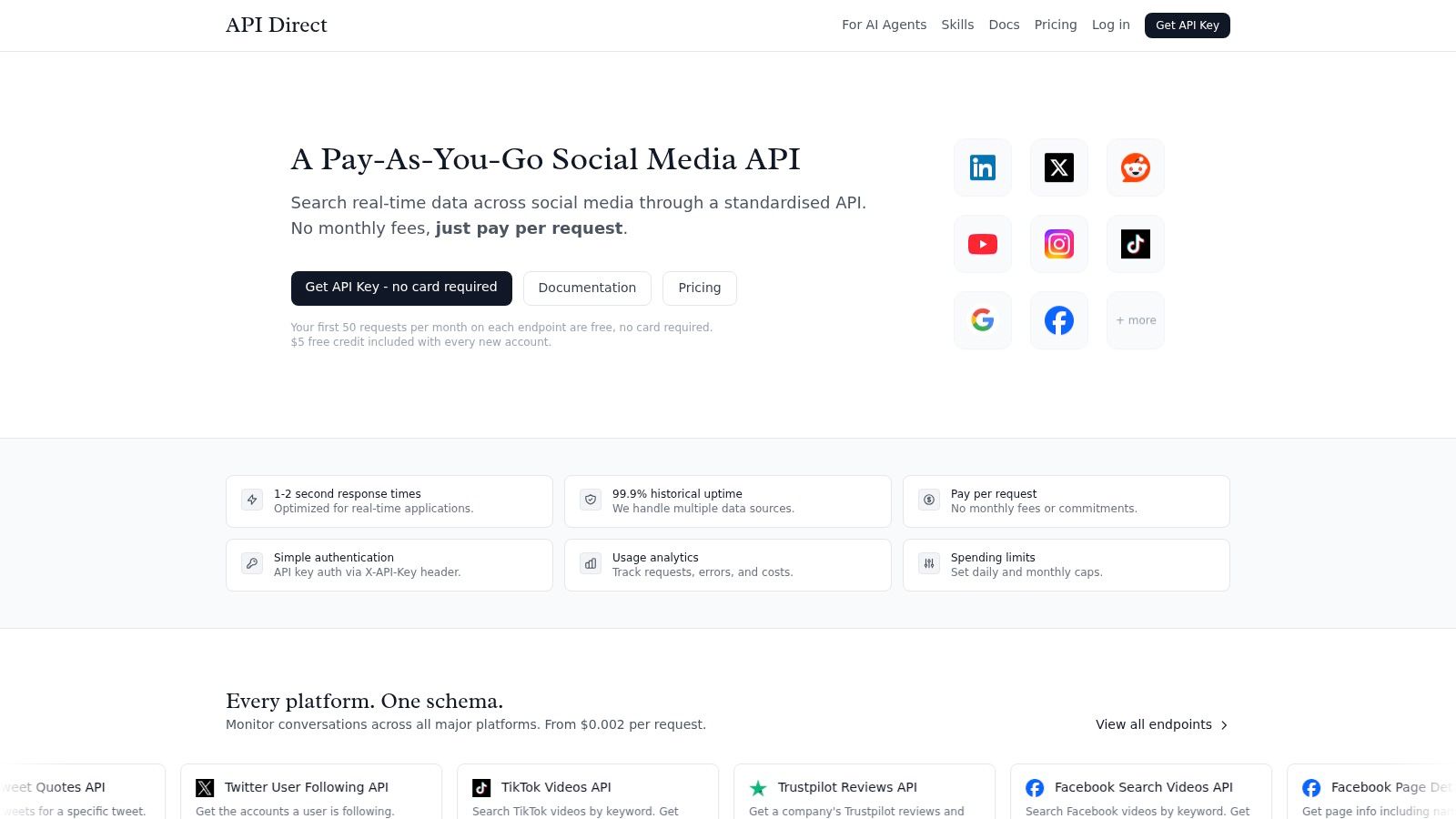
API Direct is the cheapest way to run brand monitoring, if you’re willing to build it yourself. It isn’t a dashboard. It’s one API for live data from social networks, news, forums, reviews, and shopping sites. You write a small script that searches for your brand on a schedule. Then you send new mentions wherever your team works.
Best for building your own monitor
API Direct covers LinkedIn, X (Twitter), Reddit, YouTube, Instagram, TikTok, Facebook, Threads, Bluesky, and Truth Social. It also covers Google web search, news, and forum posts, plus Amazon, Trustpilot, and Google Maps places. Most results share core fields, such as title, URL, date, author, snippet, and source. So you write one parser, not one for each site.
You sign each call with one key in the X-API-Key header. Batch requests let you run many searches in one call at no extra cost. Each user can run 10 requests at once per endpoint. API Direct says most calls return in 1 to 2 seconds.
Add sentiment when you need it. Add get_sentiment=true to any call that returns posts, comments, videos, or reviews. Each result then gets scores for eight emotions, plus an overall label of positive, negative, or neutral. That add-on costs $0.001 more per request.
It also fits AI and no-code tools. API Direct works with Claude, ChatGPT, and Cursor through MCP, and it has an n8n integration. Our social media monitoring API guide shows how a monitoring workflow fits together. For a wider view, see our list of social listening APIs.
What it costs
You pay per request, with no monthly fee or contract. Prices run from $0.002 to $0.01 per request, based on the endpoint. Most endpoints include 50 free requests a month. The Places search, reviews, and photos endpoints include 20. You don’t need a card to start, and you can set daily and monthly spending caps.
Here’s a simple example. Say you check one brand name four times a day on Reddit, X, Google News, and forums. That’s about 120 calls per source each month. The first 50 on each are free. The other 70 cost $0.003 each on Reddit and $0.006 each on X. News and forum searches cost $0.008 each. The total comes to under $2 a month. The cheapest paid plan from the other tools on this list is $19 a month.
The low price has a cost in time. You build the scheduler, storage, dedupe, and alerts yourself. There’s no ready-made dashboard, share-of-voice chart, or report. Busy jobs may need a queue to stay under the limit of 10 requests at once. If you’d rather skip the build, ForumScout (#1) does this work for you.
Website: API Direct.
Top 8 Brand Monitoring Tools Comparison
| Tool | Best for | Setup effort | Pricing | Main trade-off |
|---|---|---|---|---|
| ForumScout. | Most teams that want broad, low-cost brand tracking. | Low. Paste in your website to start. | From $19 a month with unlimited seats. 7-day free trial. | Scans run every 1 to 6 hours, not second by second. |
| Brandwatch Consumer Research. | Research teams that need deep searches and a long archive. | High. Queries need analyst time. | Custom quote. | Costly if you only need alerts. |
| Talkwalker. | Finding your brand in images, video, and audio. | Medium to high. | Custom quote. | Heavy for small teams. |
| Meltwater. | PR teams that track news and social together. | Medium. | Custom quote. | Features depend on the package you buy. |
| Sprout Social. | Social teams that want listening next to publishing. | Low to medium. | Listening is an add-on for plans from $199 per seat a month. | Costs grow with seats and add-ons. |
| Sprinklr Social Listening. | Global firms that need approvals and access rules. | High. | Custom quote. | Too much process for small teams. |
| Brand24. | Small teams that want public prices and quick setup. | Low. | From $199 a month, billed yearly. 14-day free trial. | API access costs extra on the cheaper plans. |
| API Direct. | Developers who want to build their own monitor at the lowest cost. | Medium. You write the code. | Pay per request, from $0.002 to $0.01. Free requests on each endpoint every month. | No dashboard. You build alerts and reports yourself. |
Choose by Coverage, Cost, and Workflow
There’s no single winner among the best brand monitoring tools. The right choice depends on the signal you need and how it enters your workflow. It also depends on what cost model you can sustain.
Choose ForumScout if you want broad brand tracking that works on day one, at a low price. It covers Reddit, X, LinkedIn, forums, news, and more from $19 a month, with AI filters and unlimited seats.
Choose API Direct if you’d rather build your own monitor for the lowest cost. You pay only for the requests you make. It also fits monitoring that lives inside a product, an AI agent, or a data pipeline.
Choose Brand24 if you want public prices, quick setup, and real-time updates on higher plans. Choose Brandwatch for deep searches, a long archive, and structured brand health research. Choose Talkwalker when finding your brand in images, video, and audio is central to your brief.
Meltwater is strongest for PR and comms teams that need news and social tracking together. Sprout Social fits social teams that want publishing, engagement, reports, and listening from one vendor. Sprinklr is the right fit when your company runs governed work across regions, brands, and teams.
One last point gets missed in most roundups. Choosing a tool isn’t just about features. It’s about fit. A tool that gives engineers usable data, or gives a social team alerts it can act on right away, is worth more than a bigger platform your team only half uses.
If you’re narrowing a shortlist, use these steps before you ask for a trial or quote:
- Define your sources first. Do you need social networks, news, reviews, forums, places, shopping sites, or a mix?
- Set alert speed. Decide if you need real-time response, a daily digest, or a regular research report.
- Decide on analysis needs. Choose between sentiment only, emotion analysis, topic clusters, or visual recognition.
- Map your integrations. List the API access, exports, dashboards, Slack routing, data warehouse loads, or agent workflows you need.
- Estimate volume. Count the requests, mentions, brands, markets, and users you expect.
- Set a hard budget. Pick the most you’ll spend before the buying process grows the scope.
For more on tracking rivals, see this list of social media competitor analysis tools.
If you’d rather build your own brand monitor, API Direct gives you live social, news, forum, review, and shopping data through one API. You pay per request, with no monthly fee, and every endpoint includes free monthly requests. It’s a strong fit for developers, analysts, agencies, and product teams that want posts, comments, and reviews to flow straight into apps, automations, and reports. Start building with API Direct.